Free ChatGPT Images 2.5 AI Image Generator
Free to create images with Free ChatGPT Images 2.5 (GPT Image 2.5), no signup required. Shape AI images from a prompt or one reference image for unlimited generation.
GPT Image Tools for Your Next Composition
Explore the linked GPT Image pages for browser creation and the OpenAI GPT Image API model entry on Flaq. Choose the free 2.5 tool when you want to try an image brief here. The API entry has its own pricing, separate from this free generator.
Explore the Changes in Images 2.5
In its 2.5 announcement, OpenAI emphasizes improved detail, edit precision, and subject preservation through changes. Use the free 2.5 form to review a prompt or reference-led composition in your own workflow.
Read OpenAI’s Images 2.5 introductionFree ChatGPT Images 2.5 AI Image Examples
Explore these image creation and editing examples for inspiration.
Image Examples 1–2
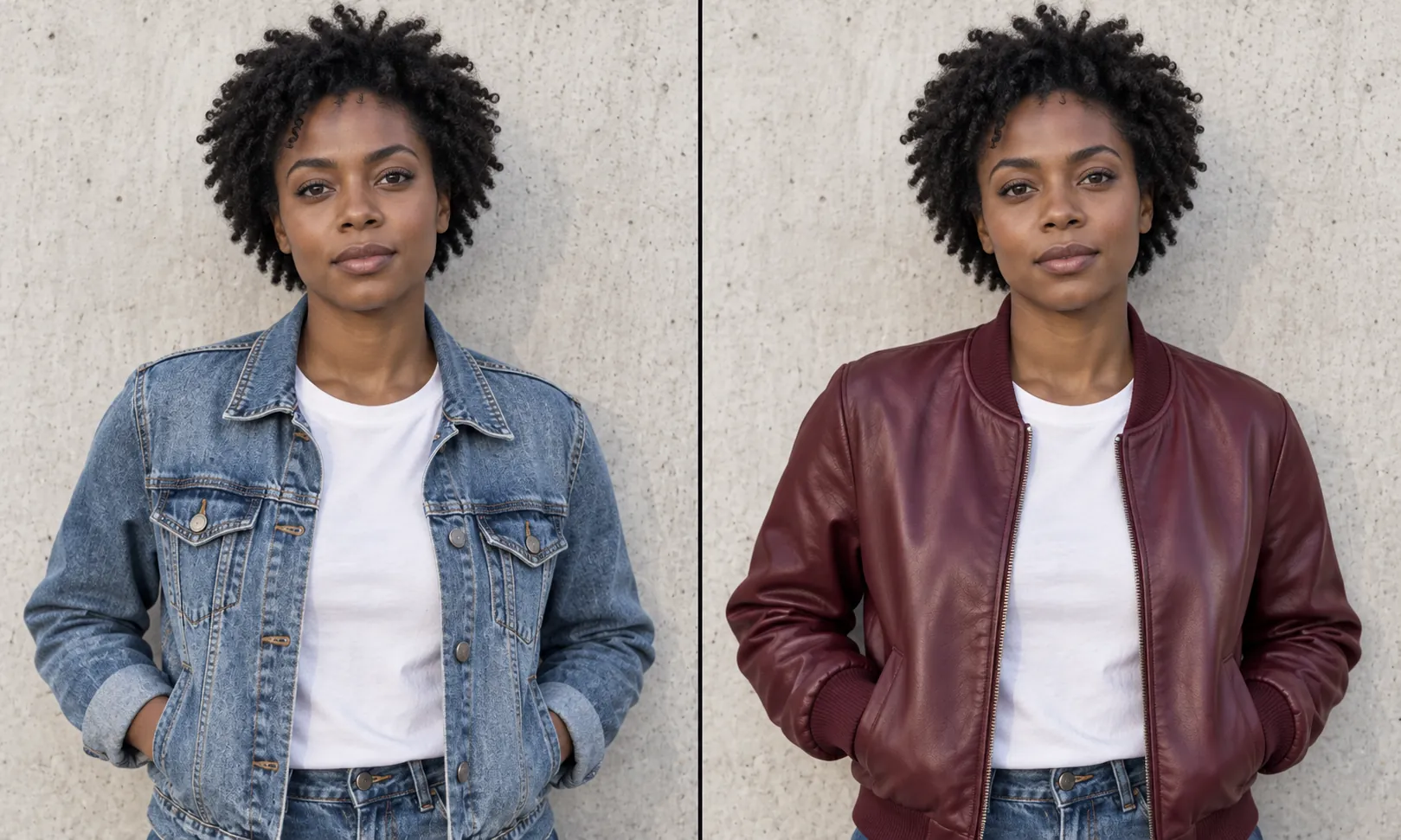
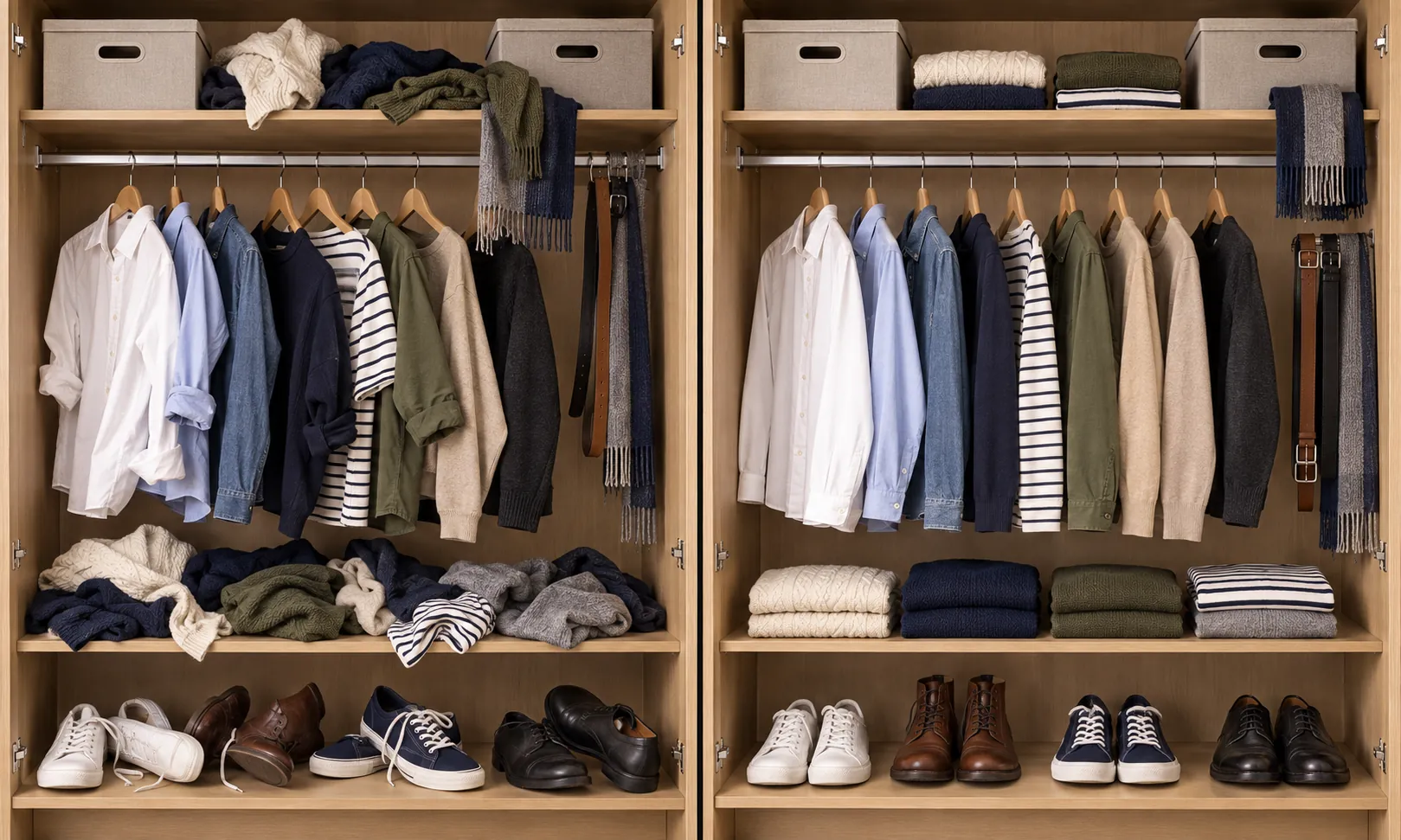
Image Examples 3–4
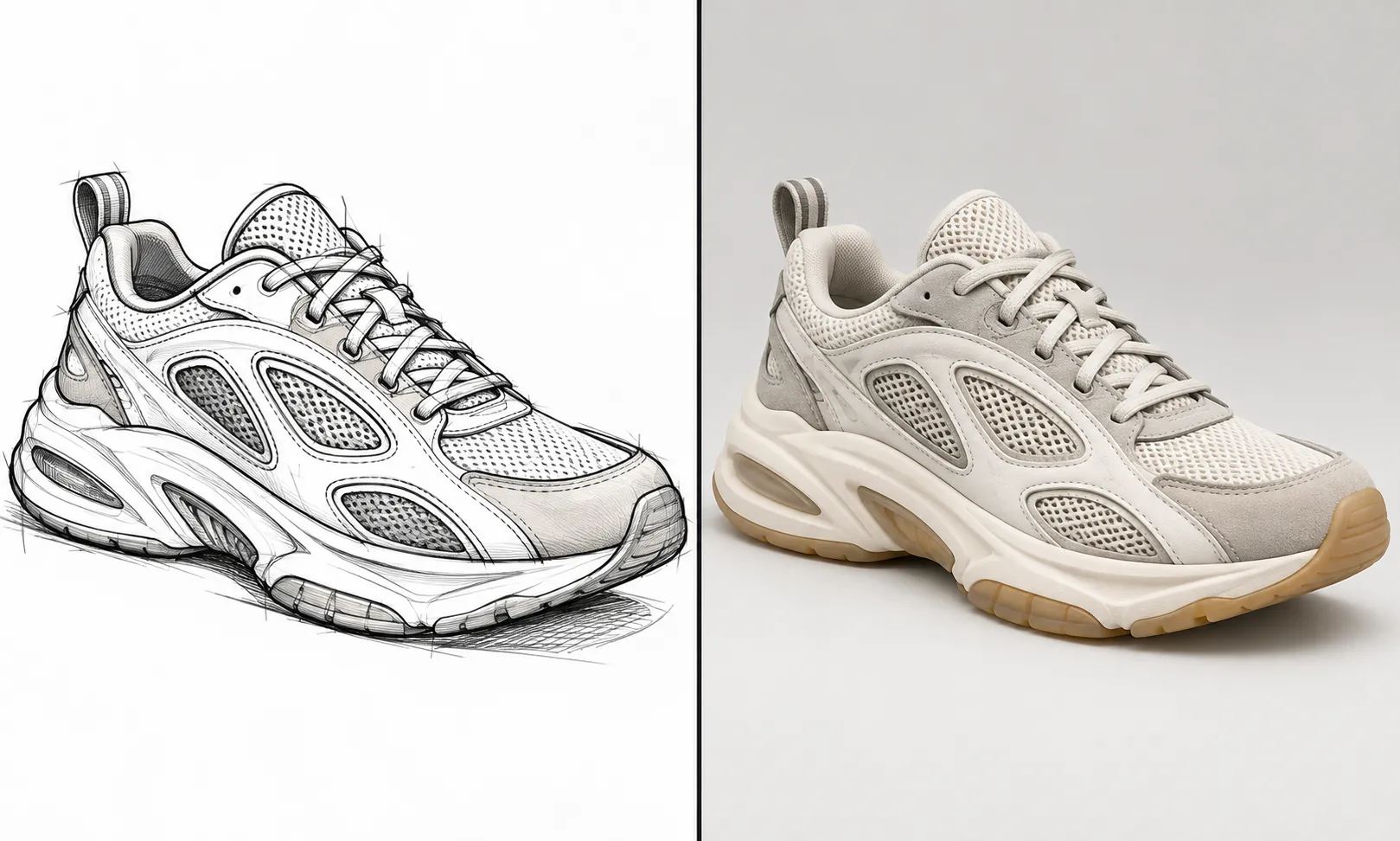
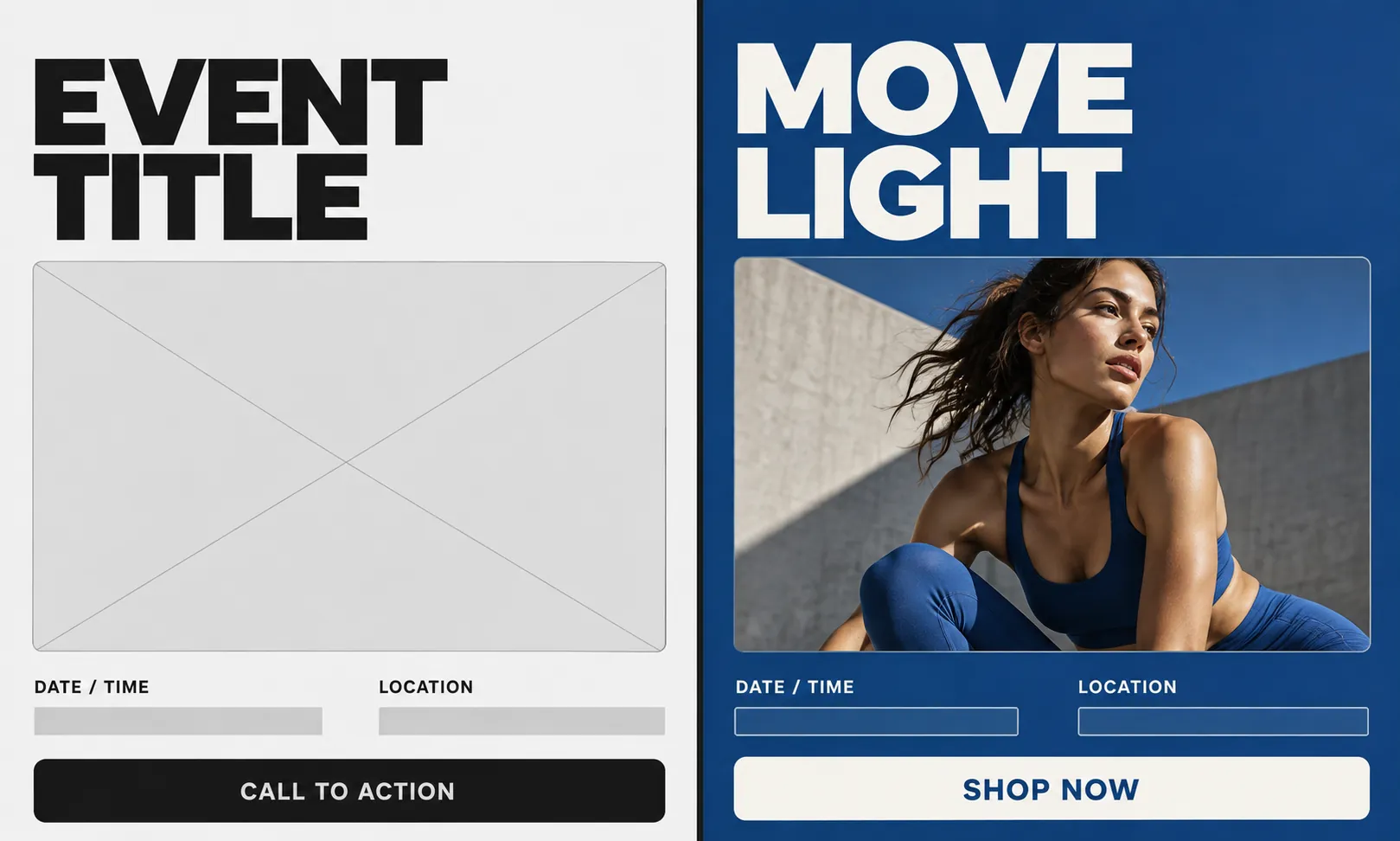
Shape Your Work with Free ChatGPT Images 2.5
Begin with a composition brief or one reference image. Choose an aspect ratio, then describe how the subject, space, and lighting should work together in the generated picture.
Start with a Composition Brief
Describe translucent geometric shapes above a reflective surface in a restrained pastel palette. Explain the relationship between the subject, surrounding space, and composition.
Direct Changes to One Reference
Upload a reference for an imagined architectural space and describe what to change. Identify the visual elements that should remain part of the composition.
Arrange the Image in Nine Ratios
Use the nine aspect ratios to establish the balance of the image before generating. A wide frame and a tall one call for different arrangements of the same subject.
Inspect and Download the Composition
Inspect the balance, lighting, and subject details in the generated picture. Use Download, followed by the continue-download option, to save the composition.
Explore Composition with Free ChatGPT Images 2.5
Use free image generation to examine a composition without registering. A prompt or one reference gives you a starting point, with a preview to review the result.
Study a Composition for Free
Explore a composition through 100% free image generation. The form lets you work from words or a reference before taking the design further.
Work Without Account Setup
There is no registration step for this free image form. Supply the brief and complete verification to generate a composition.
Direct the Image with Text or a Reference
Describe the composition in text or use one reference to convey its existing visual structure. Add instructions that identify the changes you want to try.
Review the Visual Balance
Check the composition and lighting in the preview before saving the image. Use that review to guide a more precise visual brief.
Art and Design Ideas for Free ChatGPT Images 2.5
Use text or a single reference to explore these composition directions. Each idea gives artists and visual creators exploring composition and style a concrete starting point for an image prompt.
Art and Composition Studies
Describe translucent geometric shapes above a reflective surface in a restrained pastel palette, or use one reference image to guide the result. Generate a composition to review for an experimental art direction.
Environment Concepts
Describe a curved hallway with soft stone textures and a single shaft of sunlight, or use one reference image to guide the result. Generate a composition to review for an environment design study.
Poster Composition Ideas
Describe a single flower against a flat colored background with strong negative space, or use one reference image to guide the result. Generate a composition to review for a poster composition concept.
Color Palette Explorations
Describe a stylized coastline with a small rock, broad color areas, and a pastel sky, or use one reference image to guide the result. Generate a composition to review for a color and atmosphere exploration.
Your Free ChatGPT Images 2.5 Workflow on Sea Imagine AI
Specify the composition and lighting, with up to one reference to guide the image. Select one of nine aspect ratios and complete verification before generation. Examine the result and save it using the continue-download option in the dialog.
Specify the composition, light, and subject
Select the ratio and add a reference if it helps
Verify the request, inspect the output, and download
Free ChatGPT Images 2.5 Inputs and Output Questions
Understand how to supply a visual brief, guide it with one reference, and frame and download the image.
Free ChatGPT Images 2.5 Prompt Resources
Explore flaqai and bestimageai's ChatGPT Images 2.5 prompt collections on GitHub. Treat a prompt as a starting composition brief and tailor its light, space, and subject to your image.
Free ChatGPT Images 2.5 Composition and Prompt Notes
Build a composition brief around light, shape, and space, then use a prompt or reference image to explore it.