Nano Banana 2.1 AI Image Generator and Photo Editor
Describe an imagined scene or use a reference photo to reshape atmosphere and composition. Explore art studies and poster ideas with Nano Banana 2.1's improved visual design and text layout.
Nano Banana 2.1 Image Creation Capabilities
Compare the inputs and results behind four ways to create and refine an image.
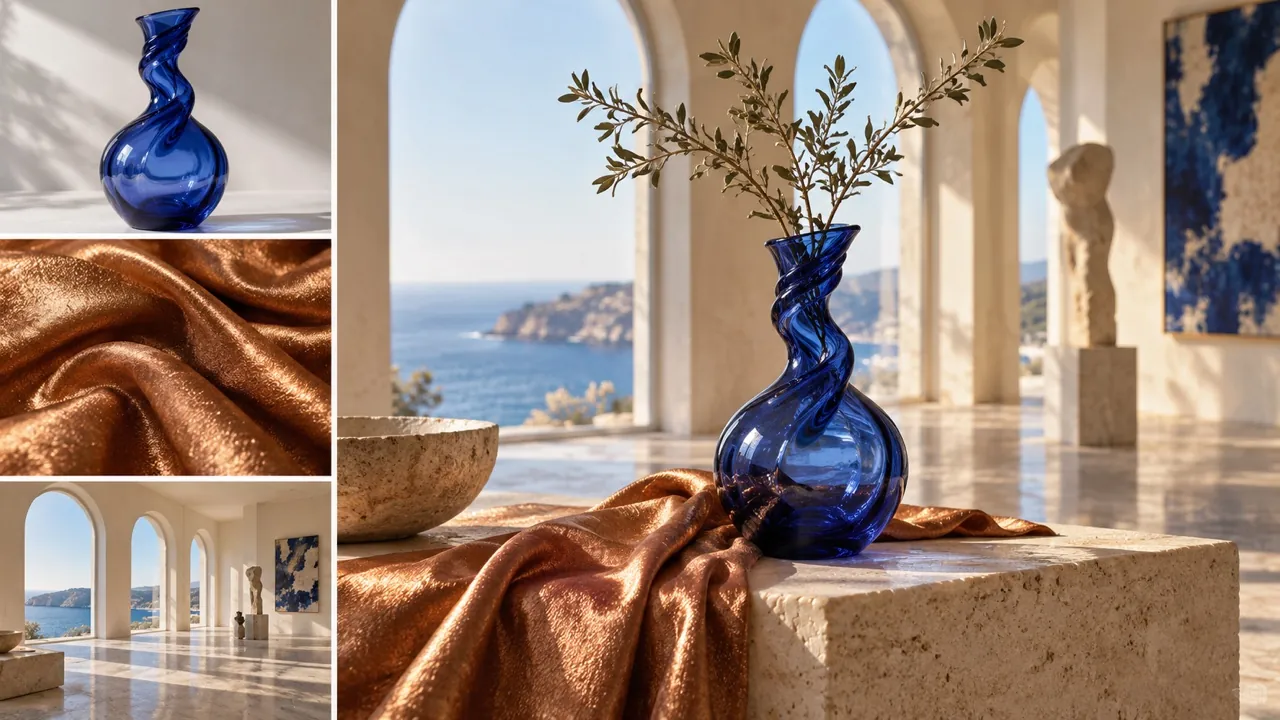
Combine Multiple References
Bring separate references for a person, product, and setting into one cohesive image. Check whether each source remains recognizable in the final composition.
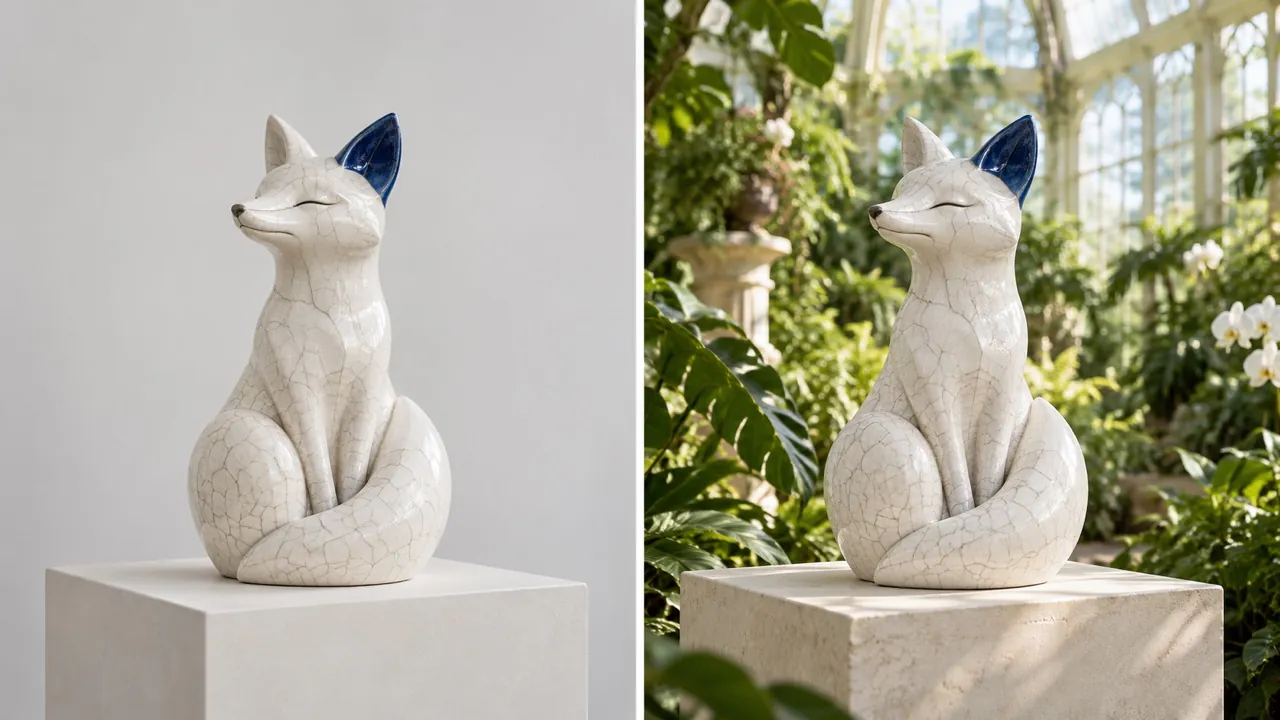
Keep Subjects Consistent
Change the setting or visual mood while keeping a person’s likeness and important object details recognizable. Build a series around the same subject.
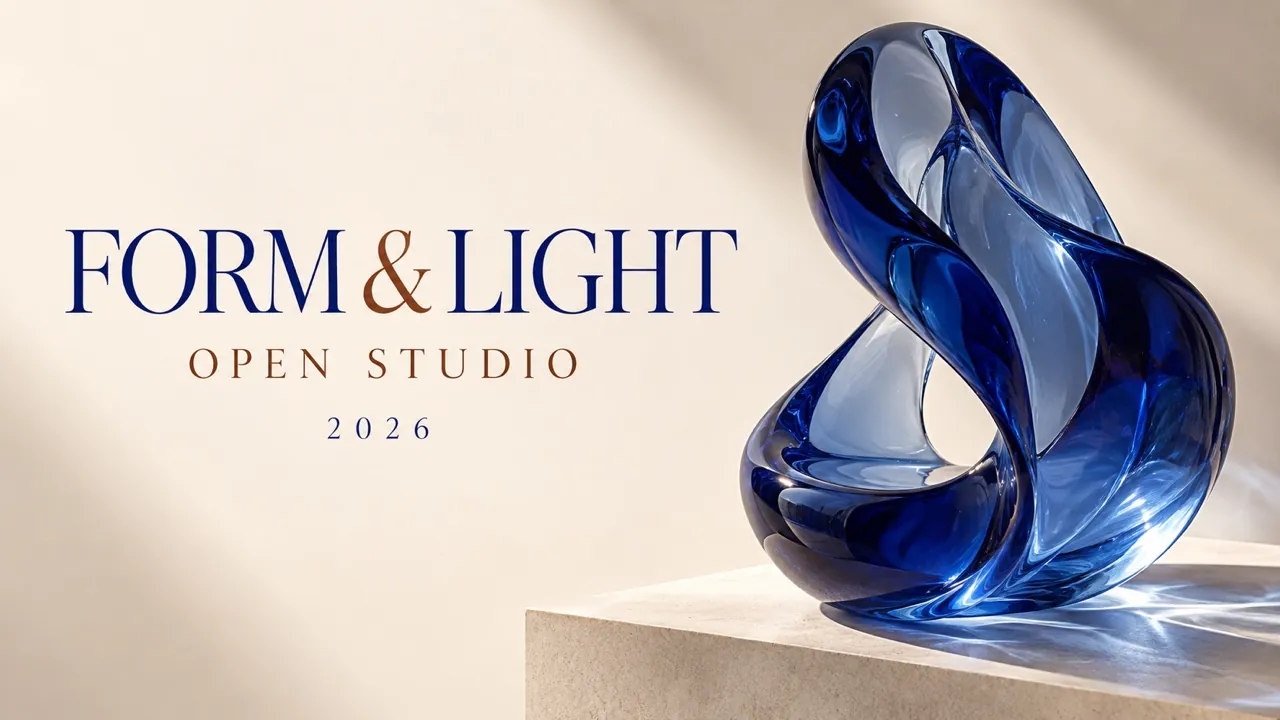
Design Images with Readable Text
Turn a title and key details into a poster or infographic with a clear visual hierarchy. Review every word for accuracy and legibility before publishing.
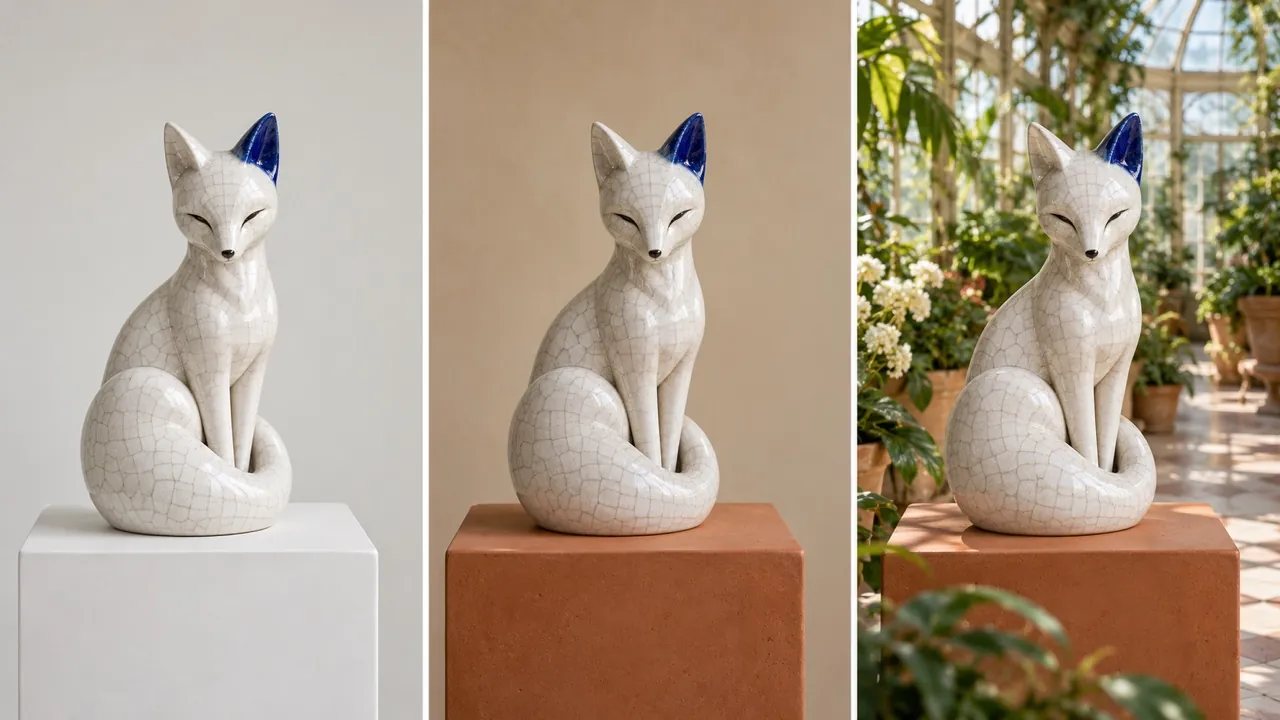
Edit in Steps, Keep What Matters
Refine an image one instruction at a time, such as changing a color and then the setting. Compare each step to confirm new edits and preserved details.
Explore Image Making with Nano Banana 2.1
Work from language when the scene is still imaginary, or from a reference when a composition already exists. Both inputs give your image experiment a clear starting point.
Generate an Imagined Environment
Describe a space that does not yet exist, including its structure, materials, and light. The generator turns those written choices into a visual interpretation you can examine.
Transform a Photo through Editing
Use a reference photograph to explore a different atmosphere. Request an overcast sky, warmer interior light, or a simpler backdrop while identifying the elements you want retained.
Describe Relationships within a Frame
Use relative positions, scale, and negative space to shape the composition. For a poster study, define the headline area and relationship between image and text. Review generated lettering and layout before final typesetting.
Return to a Promising Study
Upload a generated image and request a focused adjustment. A new palette or different light direction can help you develop the idea without rewriting the whole visual brief.
Nano Banana 2.1 for Visual Exploration
Generating and editing images lets you inspect ideas about form, atmosphere, and color. Use each result to decide which part of the visual experiment to develop next.
Make Abstract Directions Visible
Translate a phrase such as quiet, weightless architecture into a concrete scene prompt. The generated interpretation gives you a visual object to critique and refine.
Study One Visual Variable
Keep a reference composition and request a change in light or palette. Comparing the edit with the source helps you assess the role of that variable in the image.
Connect Photography and Imagination
Begin with an ordinary photograph and describe an invented setting around it. Reference editing offers a way to test that combination before committing to a larger art project.
Use the Result as a New Question
Inspect what the image generator emphasized or misunderstood. Rewrite the next prompt around that observation to make the intended composition more specific.
Nano Banana 2.1 Art and Design Projects
Develop visual studies through text prompts and photo edits, from imagined interiors to expressive still lifes and illustration concepts.
Sketch an Architectural Atmosphere
Describe a curved hallway lit by a narrow skylight. Generate an image to examine the relationship between surface, shadow, and open space in an environment concept.
Reinterpret a Botanical Photograph
Upload a flower photo and request a restrained painted treatment with a muted background. Inspect the edited petals and silhouette as part of a botanical art study.
Compose an Exhibition Poster Image
Generate an abstract arrangement of folded paper with open space above it. Use the image as a composition study before placing the exhibition information in a layout editor.
Develop a Surreal Still Life
Write a prompt for a stone balancing above a glass bowl on a linen surface. Use the generated image to explore material contrast and the visual tension of the arrangement.
Explore Nano Banana 2.1 on Sea Imagine AI
Give the image generator a visual question to explore. Enter a scene description or upload a photo, specify the transformation, and evaluate the resulting composition.
Choose an imagined scene or a reference photograph
Define the composition, material, and light
Generate a study and refine the next visual choice
Nano Banana 2.1 Art Workflow Questions
Find practical guidance on reference photographs, composition prompts, iterative image editing, and model selection for visual studies.
Nano Banana 2.1 Composition and Editing Notes
Read about describing light and space, working from reference photographs, and using generated image studies to develop a more precise visual direction.