مولّد فيديو مجاني بالذكاء الاصطناعي لإنشاء فيديوهات عالية الجودة
أنشئ مجانًا فيديوهات جذابة وواقعية فورًا باستخدام ذكاء اصطناعي متقدم. ارفع الصور أو شارك أفكارك الإبداعية، وسيحوّلها SeaImagine إلى فيديوهات مذهلة عالية الجودة.
مولّد فيديو بالذكاء الاصطناعي - صانع فيديو سريع وعالي الجودة
ارفع الصور، أو أدخل الموجهات، أو صف أفكارك الإبداعية، وسيحوّلها SeaImagine إلى فيديوهات مذهلة عالية الجودة. أنشئ فيديوهات سينمائية مقنعة خلال لحظات.
مقاطع أمثلة من مولّد الفيديو بالذكاء الاصطناعي
شاهد نماذج فيديو بالذكاء الاصطناعي تشمل عروض منتجات، وإعلانات اجتماعية، ومشاهد سينمائية، وعروض أفاتار، ومقاطع إبداعية قصيرة؛ لتوضيح الحركة السلسة، والإضاءة الطبيعية، والسرد البصري عالي الجودة.
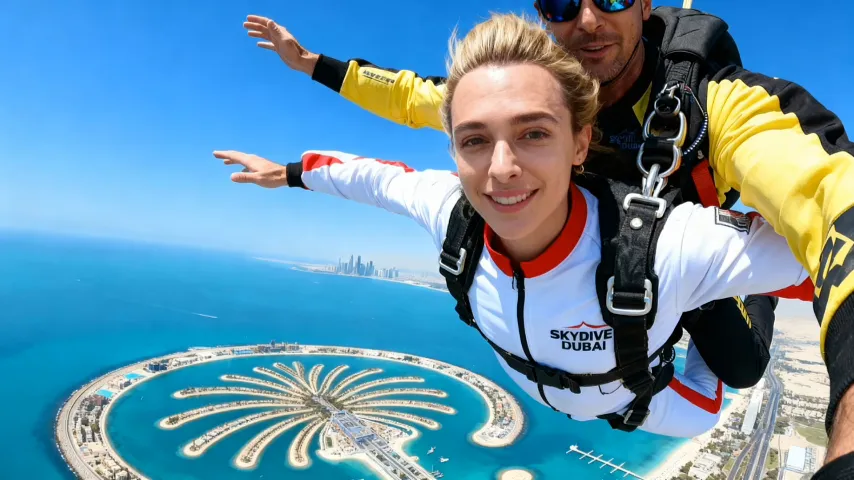
الميزات الرئيسية لمولّد الفيديو بالذكاء الاصطناعي
افتح كامل مساحة الإبداع من توليد الفكرة إلى نشر الفيديو. يحوّل الذكاء الاصطناعي موجهاتك وصورك وقيم منتجك بسلاسة إلى فيديوهات مؤثرة ومخصصة بأي صيغة.
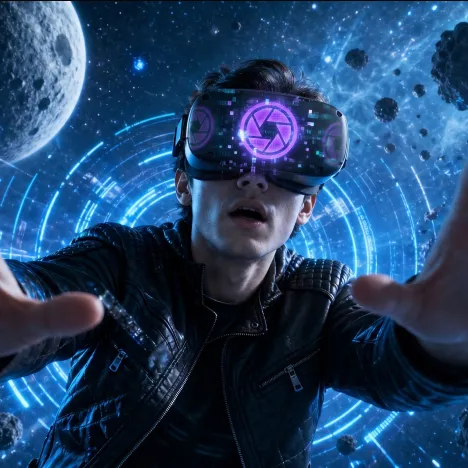
إنشاء فيديو بالذكاء الاصطناعي بجودة عالية
أنشئ فيديوهات مصقولة بحركة سلسة، وموضوعات واضحة، وإضاءة سينمائية، وحركة واقعية، وأنماط بصرية مناسبة للتواصل الاجتماعي، والإعلانات، والسرد، ومحتوى العلامات التجارية.
فهم ذكي للموجهات والمواد
قدّم موجهًا، أو ارفع صورًا، أو شارك أفكار منتجات، وسيحلل الذكاء الاصطناعي الموضوعات الرئيسية، واتجاه المشهد، ونقاط البيع، وتفاصيل الحركة لإنشاء فيديوهات جذابة.
تحرير وتخصيص فوري
عدّل بسهولة الأسلوب البصري، والإيقاع، والخلفية، والنسبة، واتجاه الحركة، وحركة الكاميرا، والتفاصيل الإبداعية أثناء العمل، لتتمكن من التكرار السريع وتحسين الفيديو.
تحسين التوزيع بنقرة واحدة
صدّر فيديوهات منسقة للجوال، وسطح المكتب، ووسائل التواصل، والمواقع، والإعلانات، أو التجارة الإلكترونية؛ ويساعد الذكاء الاصطناعي على ضمان نسب أبعاد مناسبة وتخطيطات مصقولة لكل قناة.
مزايا مولّد الفيديو المتقدم بالذكاء الاصطناعي
قدّم محتوى فيديو جديدًا وأصيلًا على نطاق واسع؛ عزّز سرعة التسويق، وخفّض تكاليف الإنتاج، وضمن تعبيرًا سلسًا عن العلامة التجارية لأي جمهور.
تسليم فيديو أسرع
وداعًا لجلسات التصوير الطويلة ودورات التحرير البطيئة؛ يقدّم الذكاء الاصطناعي فيديوهات جاهزة للحملات بسرعة، لتواكب علامتك الاتجاهات وتصل إلى العملاء أسرع.
خفض تكاليف الإنتاج
تجنب تكاليف فرق الإنتاج الكاملة، ووقت الاستوديو، وتكرار البحث عن الأصول، وعمليات ما بعد الإنتاج المعقدة. وسّع إنشاء الفيديو بكفاءة مدعومة بالذكاء الاصطناعي.
تنويعات إبداعية بلا عناء
أنتج فورًا فيديوهات بأنماط، وصيغ، وحالات شعورية، ورسائل مختلفة، مما يسهل اختبار الحملات، وتوطين المفاهيم، وتكييف المحتوى لجماهير جديدة.
هوية علامة تجارية متسقة
تحكم في الخلفيات، والإيقاع، واتجاه الكاميرا، والنبرة البصرية، والرسائل حتى يدعم كل فيديو إرشادات علامتك التجارية ويبقى قابلًا للتعرف عليه عبر الحملات.
استخدامات مولّد الفيديو المتقدم بالذكاء الاصطناعي
مصمم للتسويق الديناميكي والإنتاج الإبداعي: حدّث أصول الفيديو بسرعة وحقق تأثيرًا قويًا مهما كانت مرحلة عملك أو هدف حملتك.
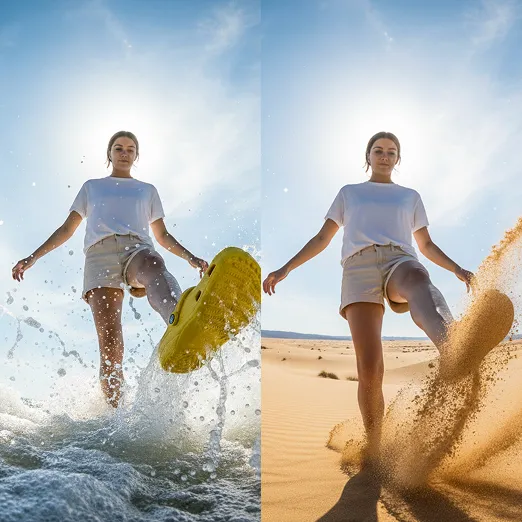
الإطلاقات وبناء العلامة التجارية
أنشئ بسرعة فيديوهات إطلاق، ومقاطع تشويقية للمنتجات، وإبرازات للميزات، ومقاطع بأسلوب المراجعات لبناء الثقة وتسريع التحويلات أثناء حملات المنتجات الجديدة.
حملات موسمية وعروض سريعة
أنشئ بسرعة فيديوهات مخصصة للعروض محدودة الوقت، والحملات الموسمية، ولحظات الترند، والعروض العاجلة بطاقة إبداعية جديدة.
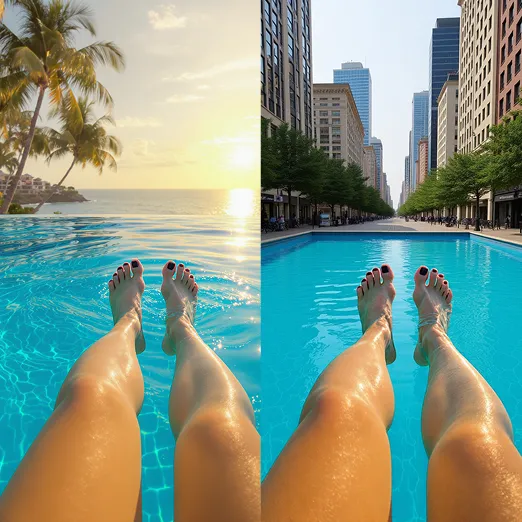
اختبار تنويعات الإعلانات
أنتج بسهولة نسخًا متعددة بمداخل، ومشاهد، ورسائل، ونسب، أو مرئيات مختلفة. قارن الأداء وحسّن للوصول إلى أفضل النتائج الإبداعية.
كيفية استخدام مولّد الفيديو المتقدم بالذكاء الاصطناعي
اتبع هذه الخطوات لتحويل رؤيتك بسرعة إلى فيديوهات إعلانية مؤثرة لكل حملة.
الخطوة 1: شارك مدخلاتك الإبداعية؛ ارفع الصور أو الفيديوهات أو تفاصيل المنتج أو أفكار الموجهات عبر الواجهة.
ارفع صورًا أو مقاطع فيديو أو تفاصيل المنتج أو اكتب مطالبة واضحة حتى يفهم الذكاء الاصطناعي الموضوع والمشهد والأسلوب والهدف الإبداعي قبل بدء الإنشاء.
الخطوة 2: ينشئ الذكاء الاصطناعي الفيديوهات. عاين فورًا وعدّل المرئيات، أو الحركة، أو الإيقاع، أو الأسلوب، أو الصوت وفق احتياجاتك.
راجع المعاينة التي تم إنشاؤها، ثم حسّن المطالبة أو نسبة العرض أو الحركة أو الأسلوب أو المدة أو إعدادات الصوت حتى يطابق الفيديو احتياجات حملتك أو محتواك.
الخطوة 3: نزّل للاستخدام في أي مكان. صدّر فيديوهات مكتملة جاهزة للتواصل الاجتماعي، أو الويب، أو الإعلانات، أو التجارة الإلكترونية بنقرة واحدة.
نزّل فيديو الذكاء الاصطناعي النهائي واستخدمه في منشورات التواصل الاجتماعي أو المواقع أو الإعلانات أو صفحات المنتجات أو العروض التقديمية أو أي سير عمل إبداعي آخر.