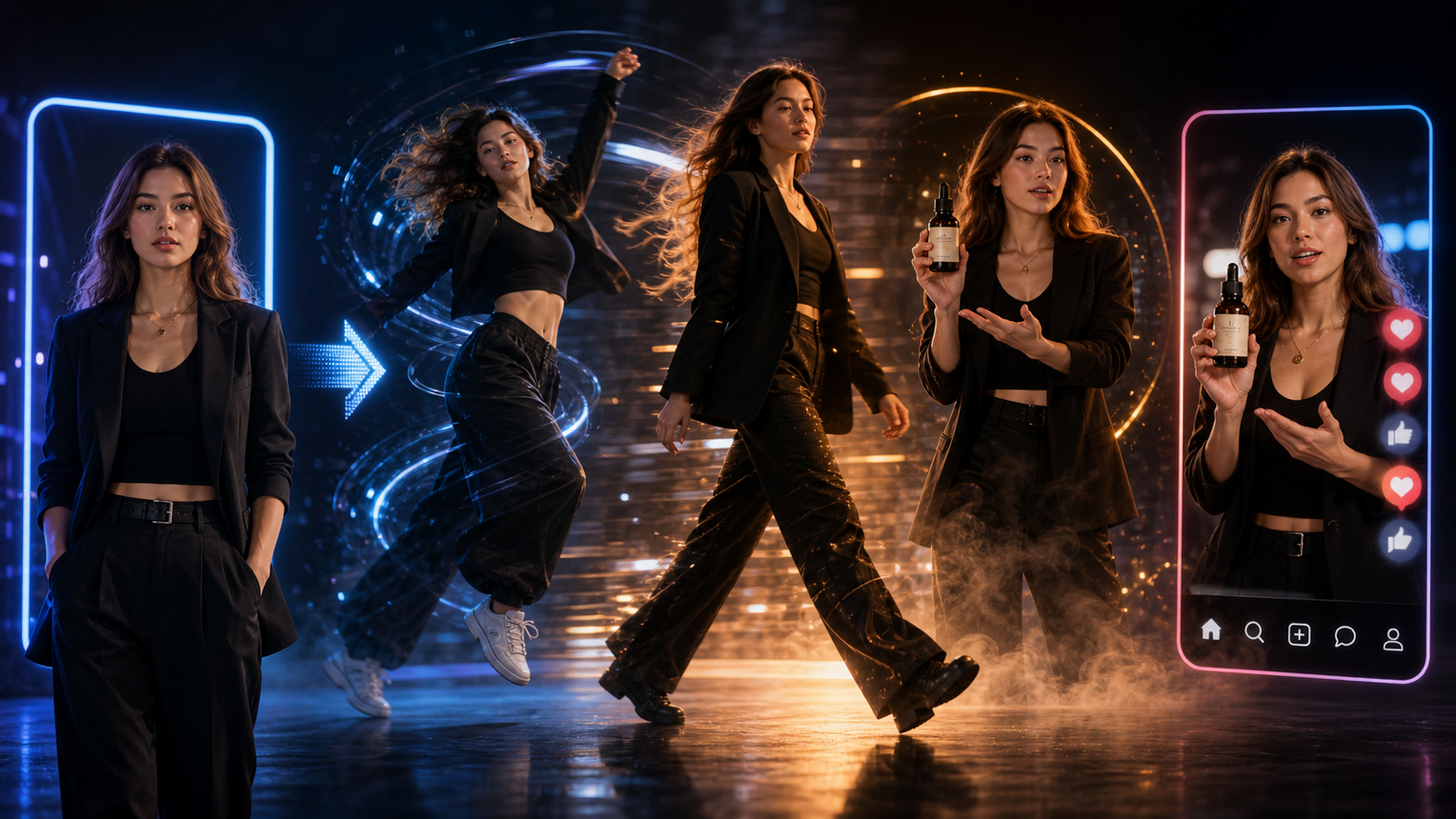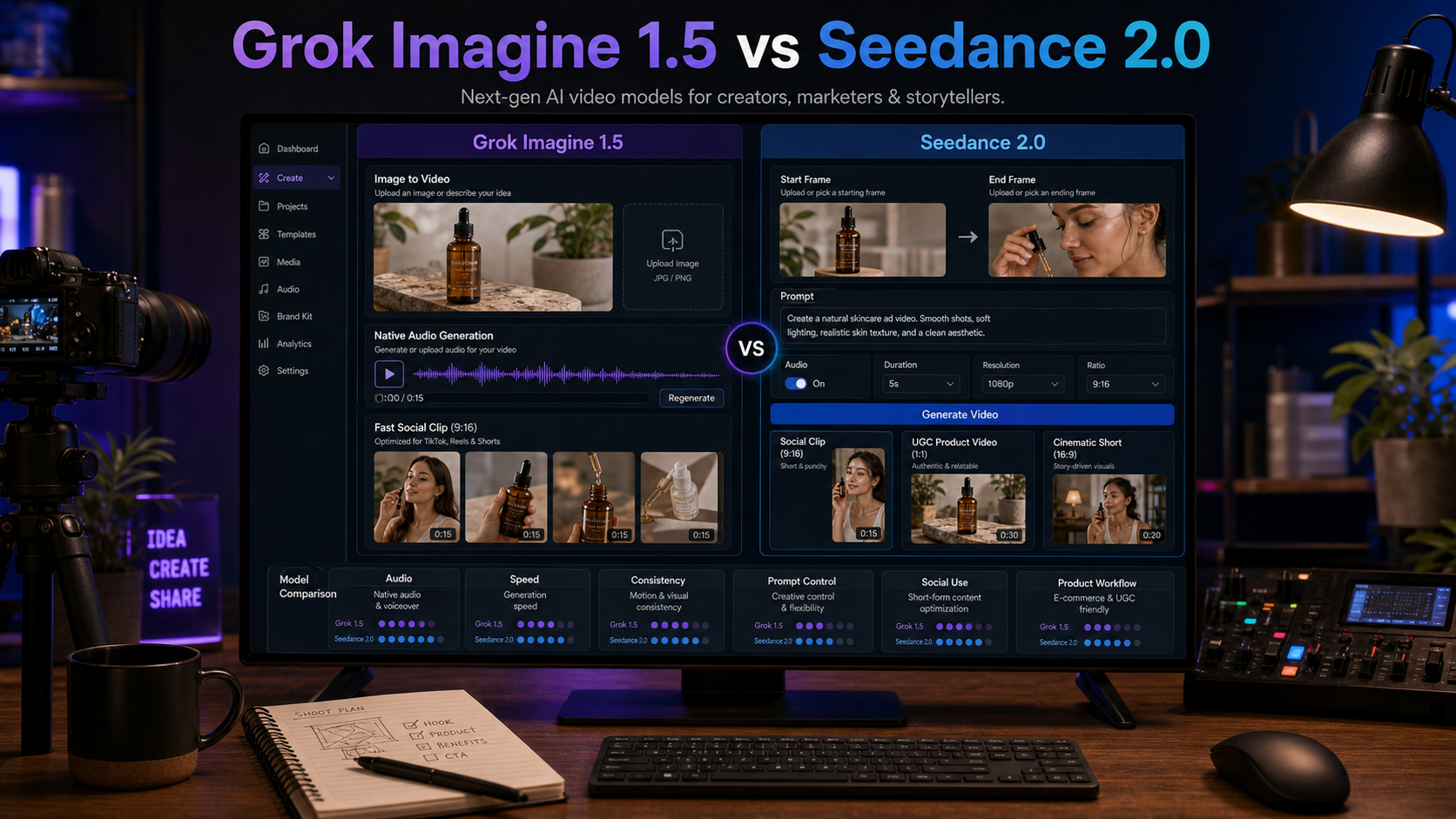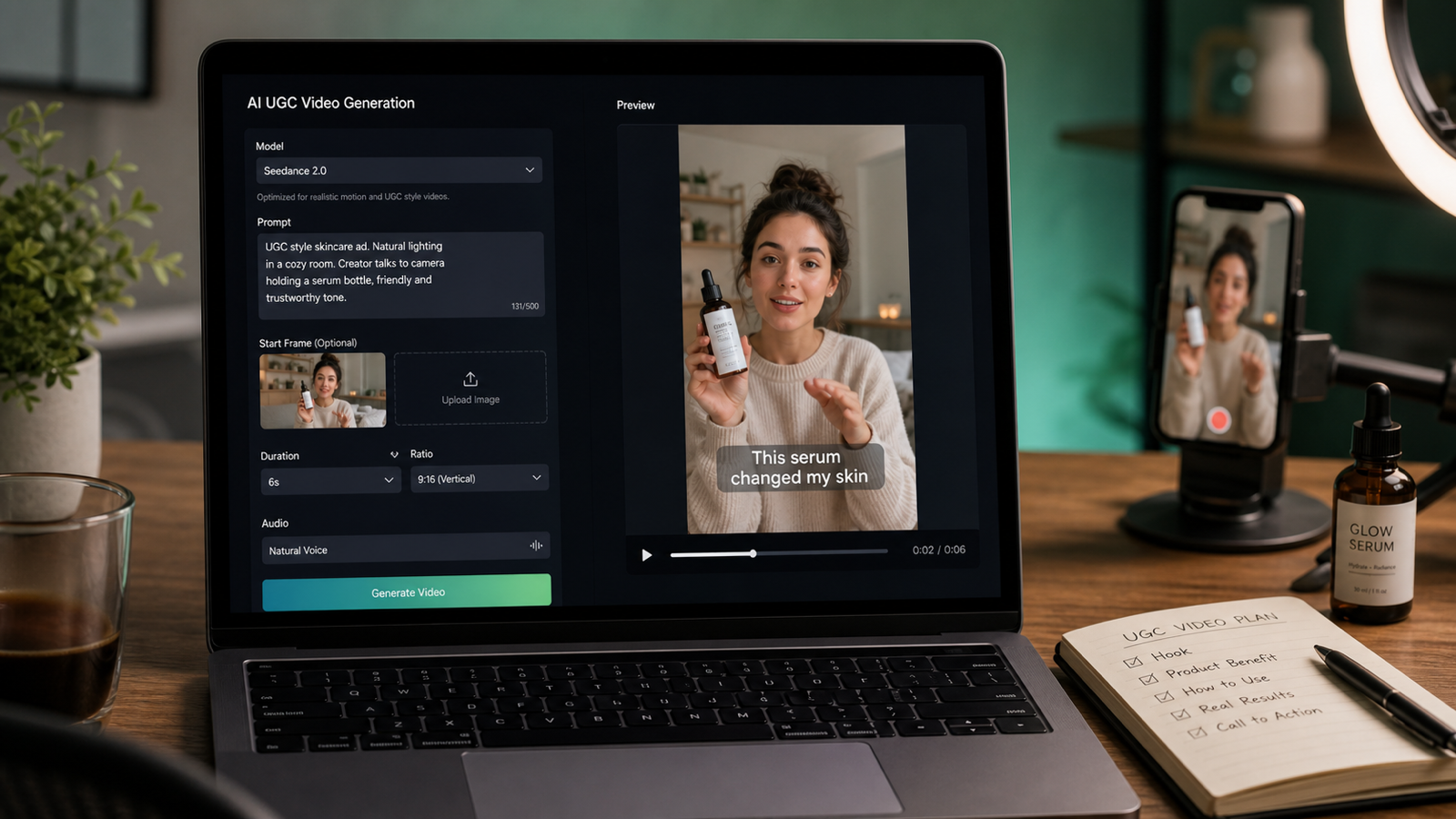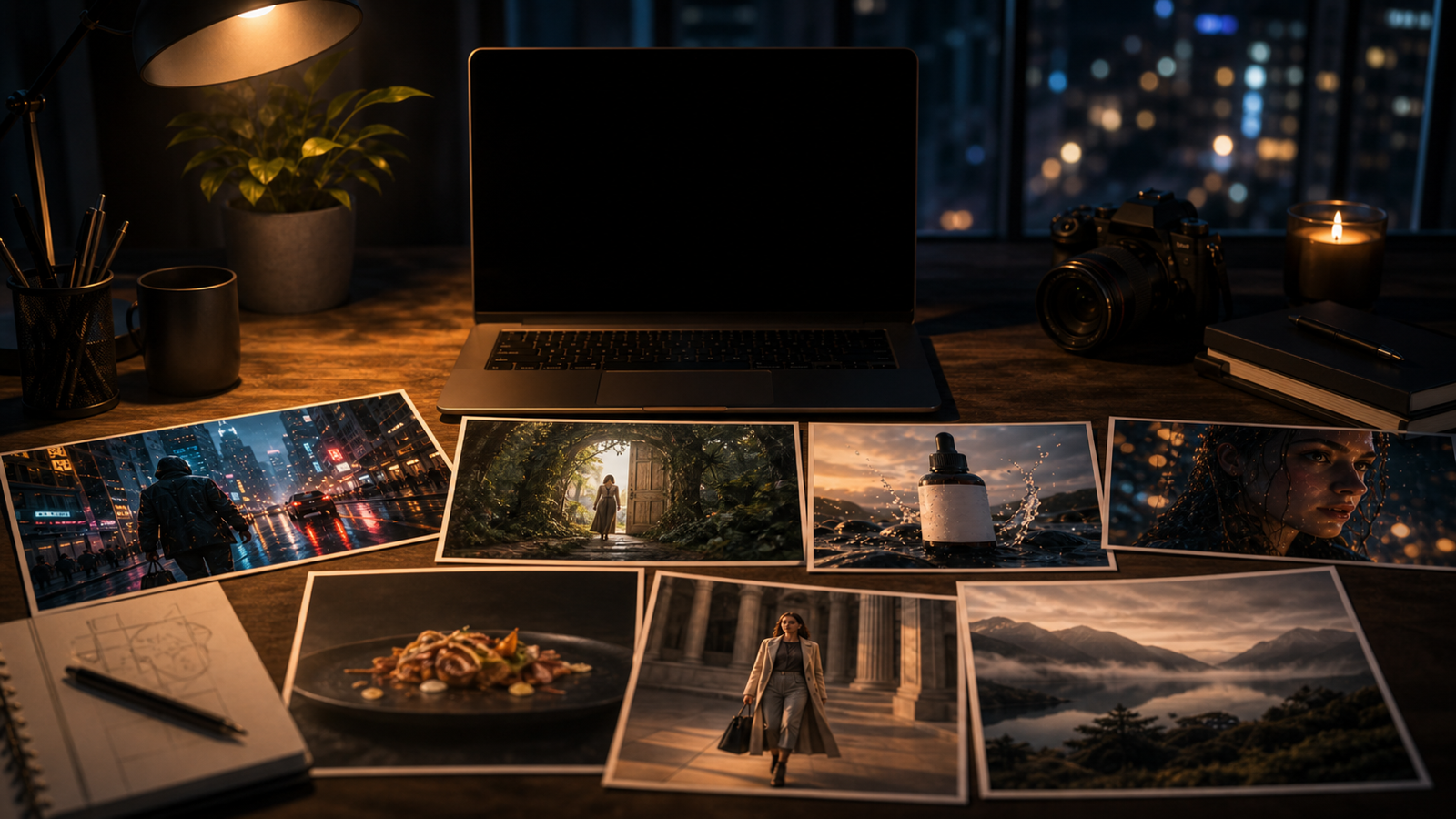
Luma Dream Machine 是一个很实用的选择:当你想通过提示词、参考图片或预先规划的镜头想法,生成短小且具有电影感的 AI 视频时,它尤其合适。在 VideoWeb AI 上,创作者可以在更完整的工作流旁测试 Luma 风格的视频生成,例如 AI Video Generator、Image to Video、Text to Video、Photo to Video、AI Music Video Generator 以及 4K Video Generator。
本指南将说明:Luma Dream Machine 最适合哪些场景、如何写出更强的提示词、如何使用图生视频与起始帧/结束帧的镜头规划,以及在发布片段前需要核对哪些事项。
VideoWeb AI 上的 Luma Dream Machine:页面提供了什么
VideoWeb AI 上的 Luma Dream Machine 被定位为一个直接的模型页面,用于从文本或图像输入生成视频。页面上可见的模型标签是 Dream Machine 1.6,并提供了对创作者友好的设置,包括提示词输入、图片上传、画幅比例选择以及生成控制项。
在实际工作流中,你可以把这个页面当作一个专注的测试场地,用来验证电影化运动、图像动画、奇幻镜头、社交短片、产品动效与短叙事创意。VideoWeb AI 也通过其 AI 视频生成器、文生视频、图生视频、照片生视频、音乐视频与 4K 视频页面提供相邻的创作路径,让你无需从零规划每条片子,也能更容易对比不同模型与工作流。
发布前,请以实时页面信息为准,核对当前模型版本、点数消耗、时长选项、生成时间、水印表现、权利条款与隐私条款。这些细节可能会变动,因此页面本身应当是你做制作决策的最终依据。

Luma Dream Machine 在 AI 视频创作中最擅长的场景
当你的视频想法依赖“运动、氛围以及清晰的镜头指令”时,Luma Dream Machine 表现最强。它尤其适合营造电影化氛围、情绪片段、奇幻瞬间、图像动画、梗图反应、产品亮相,以及需要在几秒内抓住眼球的社交优先短片。
当镜头能被清晰描述时就用它:一个主体、一个动作、一个镜头运动、一种光线风格和一种情绪。例如:雨夜城市的推进镜头、棚拍灯光下缓慢旋转的产品、或角色转身看向镜头,都比一句模糊的“做个很酷的视频”更容易被引导。
创作者也应在任务依赖特定真实感、运动控制、速度或提示词服从度时,将 Luma Dream Machine 与 VideoWeb 相邻模型对比,例如 Runway Gen-4 Turbo、Kling 3.0、Seedance 2.0 和 Veo 3.1。

如何在 VideoWeb AI 上使用 Luma 文生视频(Text to Video)
进行 Luma 文生视频 时,先从一个紧凑的提示词开始,把它写得像“镜头简报”。最好的提示词通常包含:时长、主体、场景、动作、镜头运动、光线、情绪、风格与画幅比例。
可复用的文生视频公式如下:
Create a [duration] AI video showing [subject] in [setting]. The subject is doing [specific action]. Camera: [push-in / tracking shot / handheld / dolly / pan / static close-up]. Lighting: [cinematic / golden hour / neon / studio / soft natural light]. Mood: [emotional / suspenseful / playful / premium / surreal / documentary]. Style: [realistic / cinematic / product ad / UGC / meme / fantasy]. Output should be [aspect ratio] for [TikTok / Reels / Shorts / YouTube / ad / blog].
做短视频时,选择“一个视觉事件”而不是完整剧情。一个 5 秒的电影感街景镜头、一个快速产品亮相、或一个梗图反应片段,通常比多场景脚本更可控。

如何使用 Luma 图生视频(Image to Video)与照片生视频(Photo to Video)
当你已经有产品图、人像、海报、美食图或场景参考时,Luma 图生视频 很有用。图片会锚定主体与构图,而提示词则告诉模型要添加什么运动。
可复用的图生视频公式如下:
Use this uploaded image as the first frame. Preserve [subject / product / face / object / layout / color palette / composition] while adding [camera movement / subject motion / background motion / light shift / atmosphere]. Keep the motion smooth, the subject stable, and the video suitable for [social clip / product ad / cinematic scene / meme video / story shot].
做产品视频时,要明确要求保留产品形状、标签区域、材质与色彩体系。做人像时,要保留人物身份特征、发型、表情与皮肤质感。做海报或社交图时,要保留版式,并通过增加景深、视差、光影运动或镜头漂移来增强空间感,而不是改动设计本身。

通过起始帧与结束帧控制,获得更好的镜头规划
起始帧与结束帧的规划,能把 Luma Dream Machine 从“提示词玩具”变成可复用的创意工作流。你不再只是要求一个宽泛的变化,而是定义镜头从哪里开始、在哪里结束,以及两者之间哪些元素必须保持一致。
当你的工作流支持两张参考帧时,使用这个公式:
Use the first image as the starting frame and the second image as the ending frame. Create a smooth transition from [starting situation] to [ending situation]. Preserve [subject identity / product shape / scene style / lighting direction] while adding [camera move], [motion details], and [emotional tone].
这对于产品亮相、换装转场、前后对比的叙事节点、海报动画与短叙事镜头都很有用。做社交短片时,让转场保持简单:一个主体、一个镜头运动、一个情绪变化,以及一个清晰的最终画面。

Luma Dream Machine 视频生成的提示词示例
提示词示例是快速基准测试 Dream Machine AI 视频生成工作流的最佳方式。跑几种不同类型的提示词,然后对比:运动顺滑度、主体稳定性、镜头服从度、伪影比例、面部一致性,以及成片是否适配目标平台。
- Create a 5-second cinematic video of a lone traveler standing on a rainy city street at night, neon reflections on the pavement, slow camera push-in, soft wind, realistic atmosphere, 16:9.
- Use this product photo as the first frame. Preserve the product shape and label area. Add a slow rotating camera move, soft studio light, subtle reflections, premium ecommerce ad style, 9:16.
- Create a short fantasy scene of a glowing doorway opening inside an ancient forest, drifting mist, slow dolly-in, warm magical light, cinematic realism, no text.
- Use this portrait as the reference. Preserve facial identity, hairstyle, and expression. Add gentle camera movement, soft studio background motion, realistic skin texture, and natural light shift.
- Create a food video showing a hot bowl of noodles on a restaurant table, visible steam rising, slow close-up, warm light, shallow depth of field, appetizing motion, 4-6 seconds.
- Create a social meme video of a fictional office worker slowly turning toward the camera with exaggerated disbelief, quick zoom-in, clean lighting, blank caption space, 9:16.
- Use this poster image as the first frame. Add cinematic parallax, moving light particles, subtle camera drift, and depth while preserving the layout and main subject.
- Create a travel reel shot of a cafe table beside a busy street, sunlight moving across the table, soft camera pan, warm editorial color, natural ambient mood, 9:16.
- Create a product launch teaser with a black box opening under dramatic studio light, slow camera push, soft smoke, premium reveal mood, clean background, 16:9.
- Create a surreal dream video of floating paper boats moving through a moonlit room, gentle camera pan, soft blue lighting, poetic atmosphere, realistic shadows.
- Create a fashion lookbook clip of a fictional model walking across a minimalist studio, soft wind in clothing, side-tracking camera, editorial lighting, stable body proportions, 9:16.
- Create three versions from the same reference image: one cinematic, one UGC ad, and one meme-style social clip. Keep the subject stable while changing only camera motion, pacing, and lighting.
测试时,请保存提示词、输入图片、选择的画幅比例、生成设置以及最终输出备注。这样就能为未来的 VideoWeb AI 视频生成器工作建立一份实用的对比记录。

实用核查:价格、点数、水印、权利、隐私与质量
评估 VideoWeb AI 上的 Luma Dream Machine 时,应以实时工作流为准,而不是依赖旧截图。撰写本文时,VideoWeb 的模型页面显示 Dream Machine 1.6,并列出了生成所需点数;同时 VideoWeb 的价格页面说明了每月点数套餐,并表示付费档位生成的视频不带 VideoWeb 水印。
发布前,请在 VideoWeb AI 上直接核对以下事项:
| 需要核对的项目 | 为什么重要 | 在哪里核对 |
|---|---|---|
| 模型版本 | 确认页面是否仍使用 Dream Machine 1.6 或其他模型标签 | Luma Dream Machine 模型页面 |
| 点数与定价 | 影响每次测试、重试与整批投放的成本 | 模型页面与价格页面 |
| 水印表现 | 影响付费广告、作品集与客户交付的可用性 | 价格页面与套餐详情 |
| 时长与画幅比例 | 决定是否适配 Shorts、Reels、广告与 YouTube | 生成控制项 |
| 生成时间 | 影响批量规划与迭代速度 | 实时试跑 |
| 商用条款 | 影响品牌与客户发布决策 | 条款、价格与账号套餐详情 |
| 隐私条款 | 影响上传的产品图、人像与客户资产 | 隐私政策与条款 |
| 输出质量 | 需要在不同提示词、参考与重试中直接评估 | 成片 |
质量应按用例来判断。产品片段需要稳定的形状与标签区域;梗图视频需要可读的表情节奏与留白字幕区;电影感场景需要顺滑运动、可信氛围与一致光线;短叙事镜头需要帧与帧之间的连续性。

面向创作者的推荐 VideoWeb AI 工作流
最可靠的 VideoWeb AI 工作流,是把同一个创意用多条路径跑一遍,然后选择最匹配最终用例的模型与工具。先用 VideoWeb AI 上的 Luma Dream Machine 来做电影化运动或图像动画,再将结果与 AI Video Generator、Image to Video、Text to Video、Photo to Video、AI Music Video Generator 或 4K Video Generator 对比,尤其当项目需要不同质感的成片时。
按以下顺序进行可复用的工作:
- 写一个清晰的镜头提示词。
- 选择文生视频或图生视频。
- 为最终投放渠道设置画幅比例。
- 生成第一版草稿。
- 复查运动、主体稳定性、伪影与节奏。
- 只改写一到两个提示词变量。
- 当质量或运动不符合简报时,用另一个 VideoWeb 模型与 Luma 做对比。
- 在确认权利条款、水印表现、隐私适配与客户审阅需求后再导出。
这个工作流能让 Luma Dream Machine 对新手与团队都更有价值,因为每一版草稿都会告诉你下一步该改什么。

FAQ
VideoWeb AI 上有 Luma Dream Machine 吗?
有。VideoWeb AI 提供专门的 Luma Dream Machine 模型页面,页面上可见文本与图像创作选项。
我可以用 Luma Dream Machine 做图生视频吗?
可以。Luma 的图生视频工作流非常适合产品照片、人像、海报、美食镜头、时尚图片、旅行场景与梗图参考。请把“保留哪些元素”的指令写得更具体。
Luma 文生视频最佳的提示词结构是什么?
使用“镜头简报”结构:时长、主体、场景、动作、镜头运动、光线、情绪、风格、画幅比例与平台。这会比泛泛的创意提示词给模型更清晰的目标。
我应该用 Luma Dream Machine 还是用另一个 VideoWeb AI 模型?
当你想要电影化运动、氛围或图像动画时,用 Luma Dream Machine。若项目需要不同速度、真实感风格或运动控制效果,可在 VideoWeb AI 上将其与 Runway、Kling、Seedance 或 Veo 对比。
发布生成片段前需要核对什么?
核对当前模型版本、点数消耗、水印表现、商用条款、隐私条款、时长、生成时间,以及与你所用账号套餐和工作流对应的输出质量。

结论
对于希望通过提示词或参考图片生成电影感短视频、图像动画、产品片段、梗图动效与社交可用草稿的创作者来说,Luma Dream Machine 是一个务实的 VideoWeb AI 选项。最佳结果来自:具体的镜头简报、稳定的图像参考、明确的镜头指令,以及一个简单的复盘循环——将输出质量与最终平台需求进行对照。
对大多数创作者而言,最佳起点是 VideoWeb AI 上的 Luma Dream Machine,然后在项目需要不同创作路线时,再扩展到 VideoWeb 的 AI Video Generator、Image to Video、Text to Video、Photo to Video、AI Music Video Generator、4K Video Generator 以及模型对比页面。

SEO Title:
Excerpt:
Meta Description:
Tags: , , , , , AI 视频提示词