trình tạo video AI miễn phí: tạo video chất lượng cao bằng AI
Miễn phí tạo video hấp dẫn, chân thực ngay lập tức bằng AI tiên tiến. Chỉ cần tải hình ảnh lên hoặc chia sẻ ý tưởng sáng tạo, SeaImagine sẽ biến chúng thành video chất lượng cao, ấn tượng cho bạn.
trình tạo video AI - công cụ tạo video nhanh, chất lượng cao
Tải hình ảnh lên, nhập prompt hoặc mô tả ý tưởng sáng tạo, SeaImagine sẽ biến chúng thành video chất lượng cao và cuốn hút. Tạo video điện ảnh, thuyết phục chỉ trong vài phút.
Clip ví dụ từ trình tạo video AI
Xem các video AI mẫu về giới thiệu sản phẩm, quảng cáo mạng xã hội, cảnh điện ảnh, thuyết trình avatar và clip sáng tạo ngắn, thể hiện chuyển động mượt, ánh sáng tự nhiên và khả năng kể chuyện hình ảnh chất lượng cao.
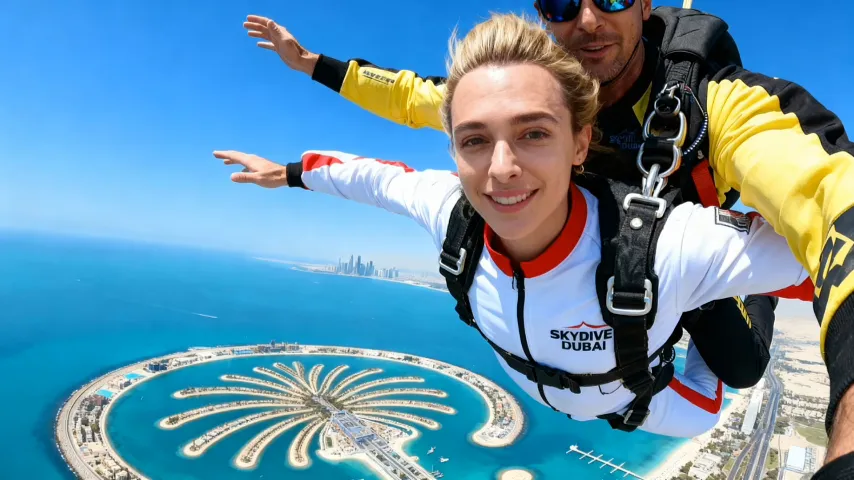
Tính năng chính của trình tạo video AI
Mở khóa toàn bộ quy trình sáng tạo từ ý tưởng đến xuất bản video. AI chuyển prompt, hình ảnh và giá trị sản phẩm của bạn thành video hấp dẫn, được tùy chỉnh cho mọi định dạng.
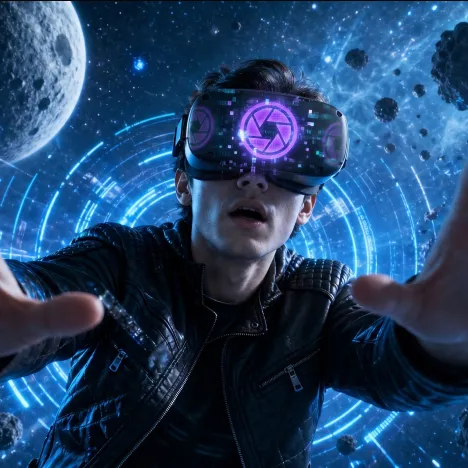
Tạo video AI chất lượng cao
Tạo video chỉn chu với chuyển động mượt, chủ thể rõ, ánh sáng điện ảnh, chuyển động chân thực và phong cách hình ảnh phù hợp cho mạng xã hội, quảng cáo, kể chuyện và nội dung thương hiệu.
Hiểu prompt và tư liệu thông minh
Cung cấp prompt, tải hình ảnh lên hoặc chia sẻ ý tưởng sản phẩm, AI sẽ diễn giải chủ thể chính, hướng cảnh, điểm bán hàng và chi tiết chuyển động để tạo video hấp dẫn.
Chỉnh sửa và tùy chỉnh tức thì
Dễ dàng điều chỉnh phong cách hình ảnh, nhịp độ, nền, tỷ lệ, hướng chuyển động, chuyển động camera và chi tiết sáng tạo ngay trong quá trình làm việc, giúp bạn lặp lại và tinh chỉnh video nhanh chóng.
Tối ưu phân phối chỉ với một nhấp
Xuất video theo định dạng cho di động, desktop, mạng xã hội, website, quảng cáo hoặc thương mại điện tử. AI giúp đảm bảo tỷ lệ khung hình phù hợp và bố cục chỉn chu cho từng kênh.
Ưu điểm của trình tạo video AI tiên tiến
Cung cấp nội dung video mới, chân thực ở quy mô lớn, tăng tốc marketing, giảm chi phí sản xuất và đảm bảo cách thể hiện thương hiệu liền mạch cho mọi nhóm khán giả.
Rút ngắn thời gian giao video
Không còn các buổi quay dài hay vòng chỉnh sửa chậm. AI nhanh chóng tạo video sẵn sàng cho chiến dịch, giúp thương hiệu bắt kịp xu hướng và tiếp cận khách hàng nhanh hơn.
Giảm chi phí sản xuất
Tránh chi phí cho ê-kíp sản xuất đầy đủ, thời gian studio, tìm nguồn tài sản lặp lại và hậu kỳ phức tạp. Mở rộng sản xuất video với hiệu quả do AI hỗ trợ.
Biến thể sáng tạo dễ dàng
Tạo video ở nhiều phong cách, định dạng, tâm trạng và thông điệp khác nhau ngay lập tức, giúp thử nghiệm chiến dịch, bản địa hóa ý tưởng và điều chỉnh nội dung cho nhóm khán giả mới dễ hơn.
Nhận diện thương hiệu nhất quán
Kiểm soát nền, nhịp độ, hướng camera, sắc thái hình ảnh và thông điệp để mọi video đều hỗ trợ quy chuẩn thương hiệu và dễ nhận diện trong nhiều chiến dịch.
Trường hợp sử dụng trình tạo video AI tiên tiến
Được thiết kế cho marketing linh hoạt và sản xuất sáng tạo: nhanh chóng cập nhật tài sản video và tạo tác động mạnh ở mọi giai đoạn kinh doanh hoặc mục tiêu chiến dịch.
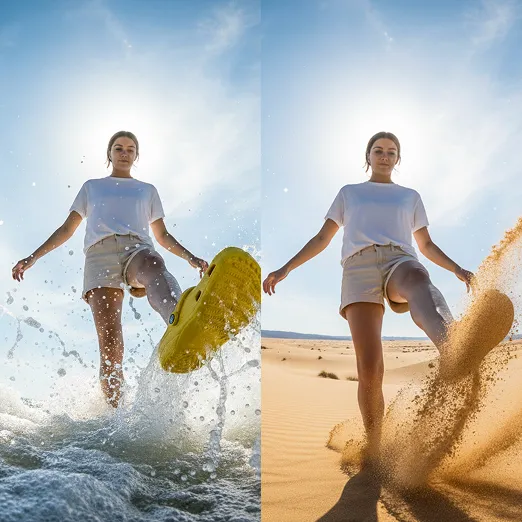
Ra mắt sản phẩm và xây dựng thương hiệu
Nhanh chóng tạo video ra mắt, teaser sản phẩm, clip nêu bật tính năng và video kiểu đánh giá để xây dựng niềm tin và tăng chuyển đổi trong chiến dịch sản phẩm mới.

Chiến dịch theo mùa và ưu đãi nhanh
Nhanh chóng tạo video tùy chỉnh cho ưu đãi có thời hạn, chiến dịch ngày lễ, khoảnh khắc xu hướng và chương trình khuyến mãi cần tốc độ cao với năng lượng sáng tạo mới.
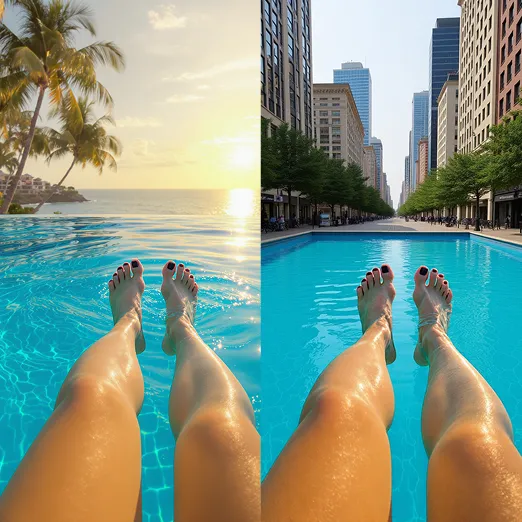
Thử nghiệm biến thể quảng cáo
Dễ dàng tạo nhiều phiên bản với hook, cảnh, thông điệp, tỷ lệ hoặc hình ảnh khác nhau. So sánh hiệu suất và tối ưu để đạt kết quả sáng tạo tốt nhất.
Cách sử dụng trình tạo video AI tiên tiến
Làm theo các bước này để nhanh chóng biến ý tưởng của bạn thành video quảng cáo có sức tác động cho mọi chiến dịch.
Bước 1: Chia sẻ đầu vào sáng tạo, tải hình ảnh, video, chi tiết sản phẩm hoặc ý tưởng prompt qua giao diện.
Tải lên hình ảnh, clip video, chi tiết sản phẩm hoặc lời nhắc văn bản rõ ràng để AI hiểu chủ thể, bối cảnh, phong cách và mục tiêu sáng tạo trước khi tạo video.
Bước 2: AI tạo video. Xem trước ngay và tinh chỉnh hình ảnh, chuyển động, nhịp độ, phong cách hoặc âm thanh theo nhu cầu.
Xem lại bản xem trước đã tạo, rồi tinh chỉnh lời nhắc, tỷ lệ khung hình, chuyển động, phong cách, thời lượng hoặc cài đặt âm thanh cho đến khi video phù hợp với chiến dịch hoặc nội dung của bạn.
Bước 3: Tải xuống để dùng ở mọi nơi. Xuất video hoàn chỉnh sẵn sàng cho mạng xã hội, web, quảng cáo hoặc thương mại điện tử chỉ với một nhấp.
Tải video AI hoàn chỉnh xuống và dùng cho bài đăng mạng xã hội, website, quảng cáo, trang sản phẩm, bài thuyết trình hoặc bất kỳ quy trình sáng tạo nào khác.