Free AI Video Generator: Create High-Quality Videos with AI
Free to create captivating, authentic videos using advanced AI instantly. Simply upload images or share creative ideas and SeaImagine will transform them into high quality stunning videos for you.
AI Video Generator - Fast & High Quality Videos Maker
Upload images, enter prompts, or describe your creative ideas and SeaImagine will transform them into high quality stunning videos for you. Generate persuasive, cinematic videos instantly.
AI Video Generator Example Clips
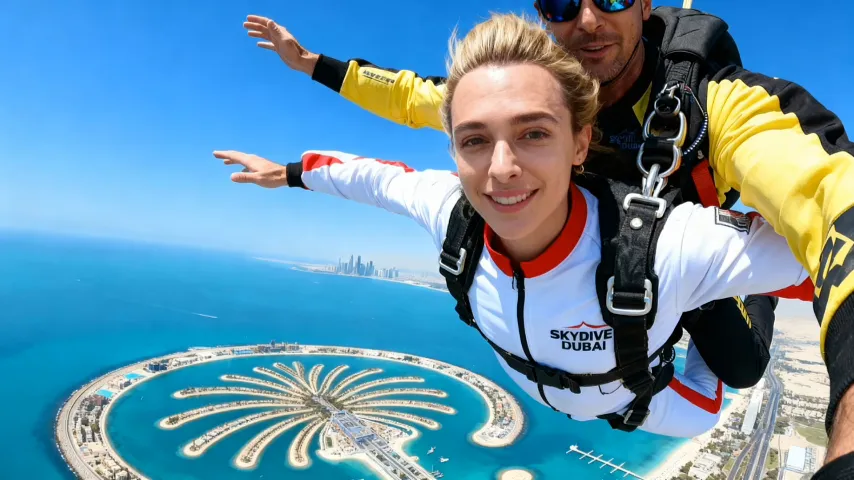
Watch sample AI videos featuring product showcases, social ads, cinematic scenes, avatar presentations, and short-form creative clips-demonstrating smooth motion, natural lighting, and high quality visual storytelling.
Key Features of AI Video Generator
Unlock the full creative spectrum from idea generation to video publishing. AI seamlessly transforms your prompts, images, and product values into compelling, tailored videos in any format.
High-Quality AI Video Creation
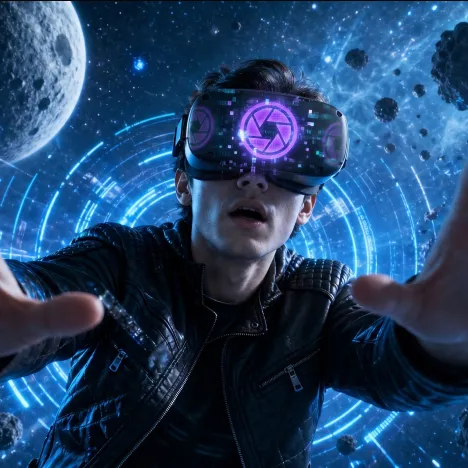
Generate polished videos with smooth motion, clear subjects, cinematic lighting, realistic movement, and visual styles suited for social media, ads, storytelling, and brand content.
Smart Prompt & Material Understanding
Provide a prompt, upload images, or share product ideas, and the AI interprets key subjects, scene direction, selling points, and motion details to create engaging videos.
Instant Editing & Customization
Easily adjust visual style, pacing, background, ratio, motion direction, camera movement, and creative details on the fly-empowering you to quickly iterate and refine your video.
One-Click Distribution Optimization
Export videos formatted for mobile, desktop, social media, websites, ads, or e-commerce-AI helps ensure proper aspect ratios and polished layouts for every channel.
Advantages of our advanced AI Video Generator
Deliver fresh, authentic video content at scale-boost marketing agility, cut production costs, and ensure seamless brand expression for any audience.
Accelerated Video Delivery
No more long shoots or slow editing cycles-AI delivers campaign-ready videos quickly, so your brand can jump on trends and reach customers faster.
Reduced Production Costs
Avoid the expense of full production crews, studio time, repeated asset sourcing, and complex post-production. Scale video creation with AI-powered efficiency.
Effortless Creative Variation
Produce videos in different styles, formats, moods, and messages instantly, making it easier to test campaigns, localize concepts, and adapt content for new audiences.
Consistent Brand Identity
Control backgrounds, pacing, camera direction, visual tone, and messaging so every video supports your brand guidelines and stays recognizable across campaigns.
Use Cases for our advanced AI Video Generator
Designed for dynamic marketing and creative production: swiftly update video assets and achieve powerful impact, whatever your business stage or campaign goal.
Launches & Brand Building
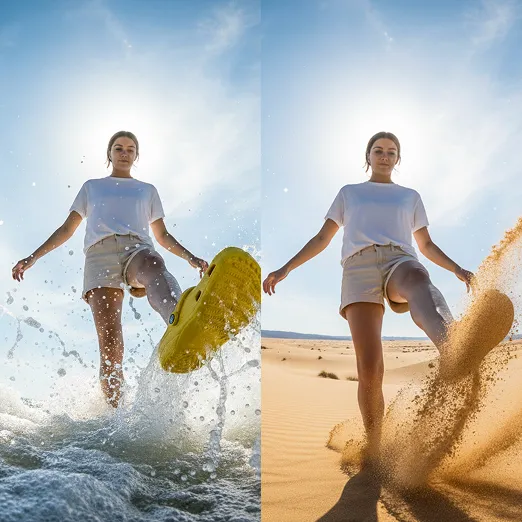
Rapidly generate launch videos, product teasers, feature highlights, and review-style clips to build credibility and speed up conversions during new product campaigns.
Seasonal & Flash Campaigns
Quickly create tailored videos for limited-time offers, holiday campaigns, trend moments, and high-urgency promotions with fresh creative energy.
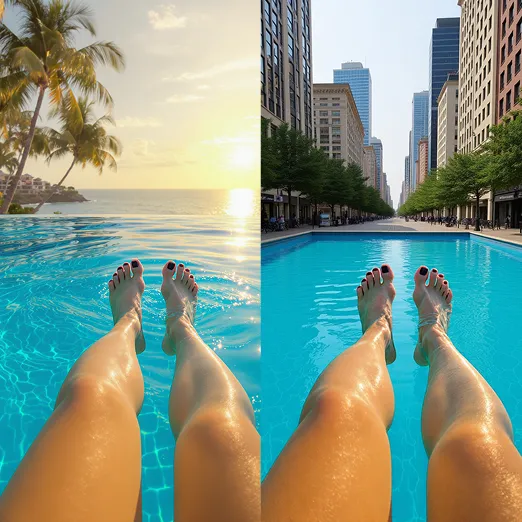
Ad Variant Testing
Easily produce multiple versions with different hooks, scenes, messages, ratios, or visuals. Compare performance and optimize for the best creative results.
How to Use our advanced AI Video Generator
Follow these steps to quickly turn your vision into impactful advertising videos for every campaign.
Step 1: Share creative input-upload images, videos, product details, or prompt ideas via the interface.
Upload images, video clips, product details, or a clear text prompt so the AI understands your subject, scene, style, and creative goal before generation begins.
Step 2: AI generates videos. Instantly preview and tweak visuals, motion, pacing, style, or audio according to your needs.
Review the generated preview, then refine the prompt, aspect ratio, motion, style, duration, or audio settings until the video matches your campaign or content needs.
Step 3: Download for any use. Export finished videos ready for all social, web, advertising, or e-commerce channels in one click.
Download the finished AI video and use it for social posts, websites, ads, product pages, presentations, or any other creative workflow.