AI Image Generator
Transform your words/images into stunning visuals with AI Image Generator. No complex skills required—simply describe your vision, and our AI brings it to life with advanced deep learning technology.
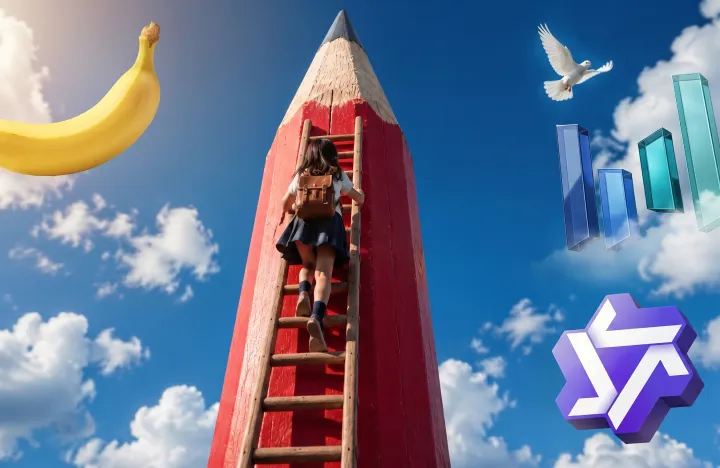
AI Image Generator: Create images from text/image
Transform your words/images into stunning visuals with AI Image Generator. No complex skills required—simply describe your vision, and our AI brings it to life with advanced deep learning technology.
Image examples of AI Image Generator
AI Image Generator is built for both everyday creators and professional output—providing a clear, controllable image generation experience. Transform your concepts or reference images into visuals using descriptions or examples, adaptable for any creative workflow or pace, without switching tools or rebuilding your process.
Photograph / Landscape
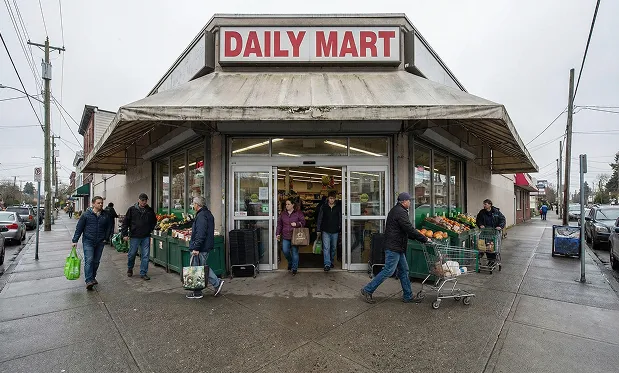
source image
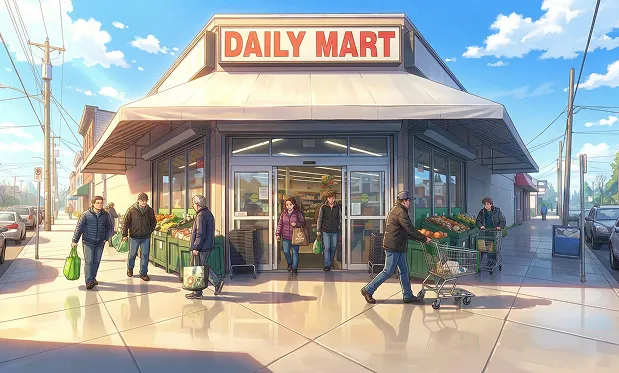
Convert the image to an anime style; the weather is sunny.
Natural Language Image Editing
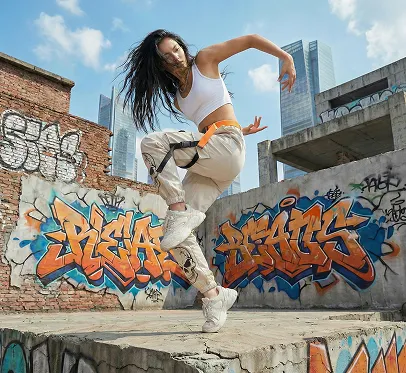
source image
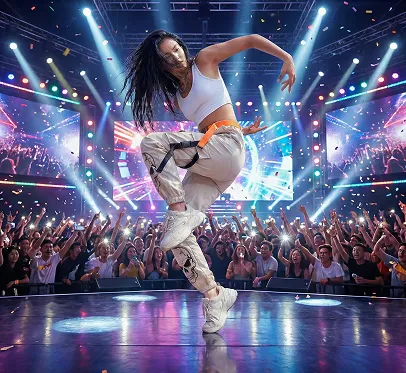
Change the background to a concert scene, with people dancing on stage in the picture.
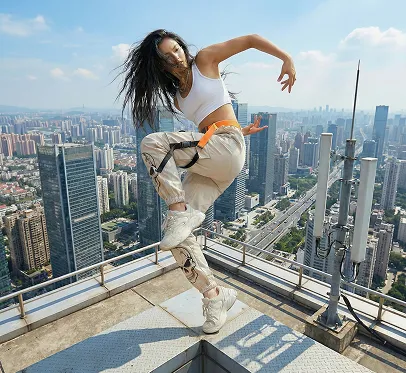
Change the background to the top of a tower, and have the characters dance on the top of the tower.
Text Editing
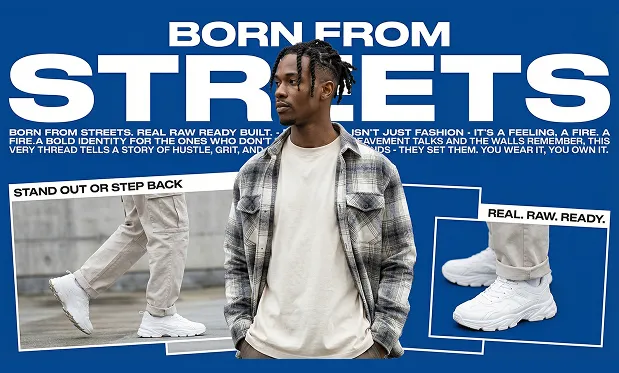
source image
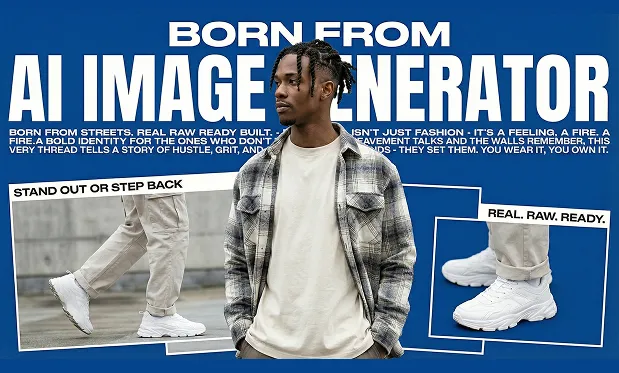
Replace the text 'STREETS' in the image with 'AI Image Generator'.
Core Features of AI Image Generator
A foundational set of capabilities focused on text understanding, image creation, and result stability.
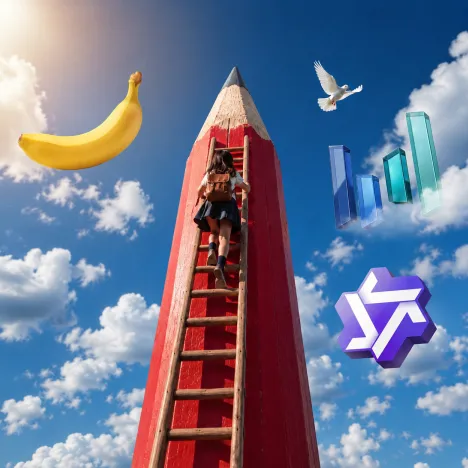
Text-to-Image Generation
Transform natural language descriptions directly into images. The model comprehensively interprets subject, environment, style, and constraints to deliver coherent, well-composed results—ideal for creative work from scratch.
Multi-style Visual Expression
Produce realistic, illustration, concept art, product display, and other styles. By adjusting the description focus, the model differentiates in style, color, and mood, reducing trial and error.
Quality & Detail Control
Maintain consistent detail in generation—including lighting, texture, and subject edges—for further design, presentation, or creative enhancement.
Reference Image Assistance
Incorporate reference images during generation to control composition, style, or subject features—helping ensure visual consistency in a series and reducing the risk of unwanted drift.
Advantages of our AI Image Generator
Emphasizes workflow efficiency and creative control.
Lower Creative Barriers
No drawing or design background required—clear descriptions yield usable images, making it easy to turn ideas into visual content.
All-in-one Workflow
From prompt input to result generation, everything happens in one interface, saving time and effort lost switching between tools.
Predictable Results
The model responds reliably to prompts, producing results that closely match your intentions—perfect for scenarios reusing styles or themes.
Fits Different Production Needs
Use for rapid drafts, idea validation, or polished image output—adaptable to every stage of the creative process.
Application Scenarios of AI Image Generator
Covers common image creation needs.
Visual Concept Exploration
Quickly validate ideas at early project stages—compare generations to help steer overall visual direction.
Content & Design Asset Production
Generate illustrations, covers, or visual elements as foundational material within creative and design workflows.
Product & Brand Visuals
Assist in generating product shots, mood images, or concept art for internal review or visual proposal phases.
Steps to use AI Image Generator
Follow these steps to create images with the AI Image Generator:
Step 1
Enter a clear description, including the subject, environment, style, and any constraints.
Step 2
Choose the generation method based on your needs. Optionally, add a reference image to guide the result.
Step 3
Generate the image and review the result. Refine your description as needed and regenerate until you're satisfied.