
Seedream 5.0 is a really strong image model. Tested it with some more up-close shots and it was able to give a lot of detail fo faces, including sweat, small hairs and how the lighting works. Have you tried it yet?


Whether you need schematic diagrams with clear structure, charts displaying data relationships, or scenes requiring precise composition, Seedream 5.0 maintains stable output even under multi-step prompt instructions. Its integrated workflow lets you generate and edit images—including localized adjustments and fine-tuning—without the need to switch tools.

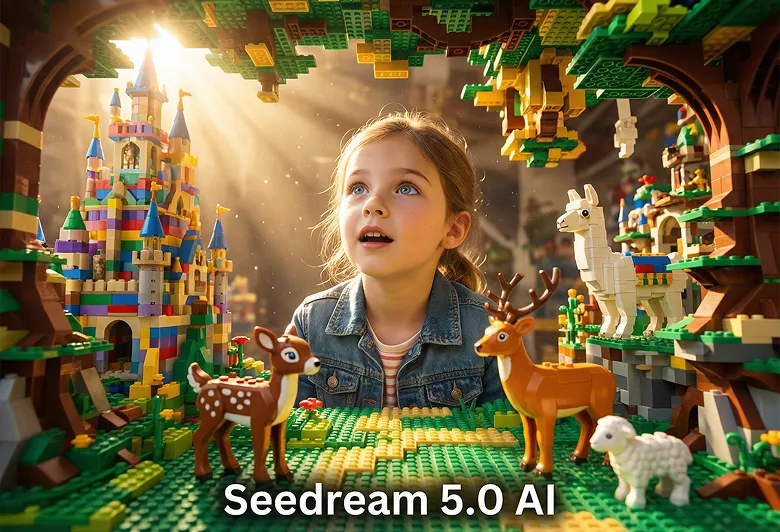
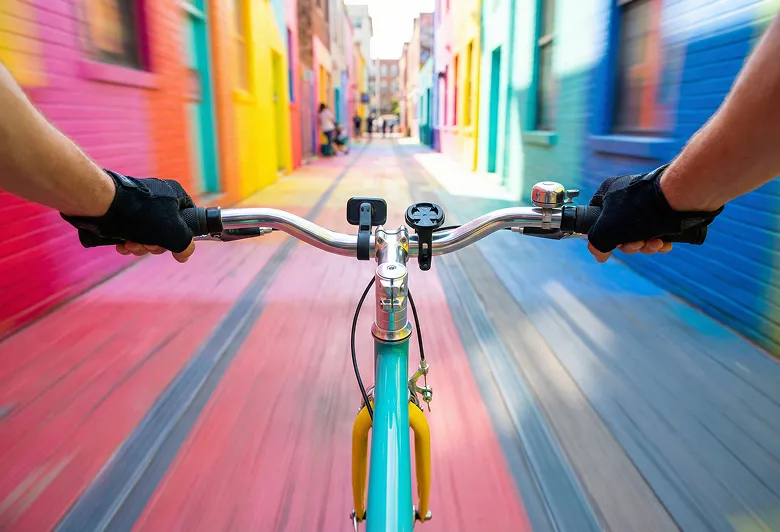

Built for logic-driven generation, structured expression, and unified editing, balancing creative freedom with controllability.
During image creation, the model can integrate live information for composition, enabling content that reflects current events, trends, or public data—not just static training. Ideal for news visualization, trend posters, or creative outputs grounded in present-day contexts.
With strong structural understanding, Seedream 5.0 can follow complex instructions including numeric constraints, spatial relationships, and layered layouts. When generating infographics, flowcharts, or multi-character scenes, it arranges elements logically, greatly reducing issues with disorderly structure.
Generate and edit images within a single framework—supporting mask-based local edits, object removal, background replacement, lighting and shadow adjustments, and more. The overall structure remains stable through edits, avoiding style drift or detail loss from repeated regeneration.
Across multiple edits or sequential images, characters' facial features, costume designs, and pose proportions can remain coherent. This is ideal for brand visuals, series of illustrations, or storyboard production requiring consistent visual identity.
With strengths in logic control, stable structure, and efficient editing, Seedream 5.0 offers practical value for professional scenarios.
In graphics, product diagrams, or instructional illustrations, the model precisely executes layered explanations and positional constraints. Visual outputs align with logical reading order, minimizing subsequent layout adjustments.
For prompts requiring multiple conditions, objects, or stepwise arrangement, the model accurately parses and implements requirements, reducing repetitive revisions and significantly improving generation efficiency.
Supports native high-res image generation while maintaining fine texture, material realism, and layering of light and shade. Meets the needs of presentations, e-commerce, and print output.
Supports native high-resolution image generation while maintaining fine texture, material realism, and layering of light and shade. Meets the needs of presentations, e-commerce, and print output.
Designed for creative tasks that demand logic, structural accuracy, and visual consistency.
When making statistics charts, trend diagrams, or conceptual explanations, Seedream 5.0 arranges structural elements by your textual instructions, ensuring clear communication of data relationships.
Across sequential images or branded character design, the model maintains visual and design consistency, minimizing style drift across multiple generations.
Through structured composition and lighting control, create image assets for product explanations, feature breakdowns, or scenario showcases—raising the accuracy of your visual messaging.
For slides, step-by-step instructions, or process demonstrations, combine logical reasoning and clear visuals to make auxiliary graphics more understandable and expressive.
Follow three steps to create professional, high-resolution images with Seedream 5.0 AI Image Generator.
Open the image generation tool and select either Text-to-Image or Image-to-Image mode. Ensure Seedream 5.0 AI Image Generator is enabled.
Input a prompt containing structural or logical requirements, or upload a reference image. For multi-step compositions, describe the elements' relationships and spatial arrangement in order.
Once the draft is generated, use the built-in editor to refine details—such as optimizing specific areas, replacing objects, or changing the background. When satisfied, export the final high-resolution image.
Common questions about Seedream 5.0 AI Image Generator.
Discover more social sharings of Seedream 5.0 AI creation.
Seedream 5.0 is a really strong image model. Tested it with some more up-close shots and it was able to give a lot of detail fo faces, including sweat, small hairs and how the lighting works. Have you tried it yet?
Most AI image tools break when you push them. Too many references → chaos. Style changes → identity breaks. Text → melts. Seedream 5.0 Lite fixes that. And it does it on Freepik.👇


Seedream 5.0 lite vs. GPT: same prompt. I still like NBP more but SD5 is my second favorite at this point. At least for these types of prompts. It is possible that my prompts are just not great for GPT as I don't do standard ones. Anchor: `[Apex Predator (e.g., Bengal


🧵 Seedream 5.0-Preview Early Access @dreamina_ai First Impressions Just finished testing Seedream 5.0, and honestly… this model is built different. Here’s a quick breakdown of what stood out 👇

Learn more about Seedream 5.0 AI image generation, best practices for prompts, and creative techniques to maximize your results.


