Advanced AI tools in Sea Imagine AI
Sea Imagine AI is designed around real creative needs, consolidating core video generation features into a single platform. Select your generation path based on material source and creative goals—quickly obtain usable video results.
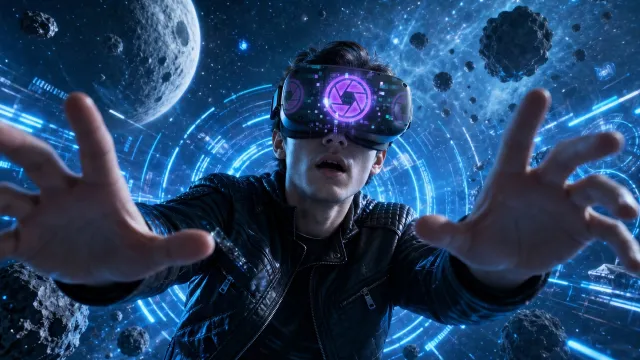
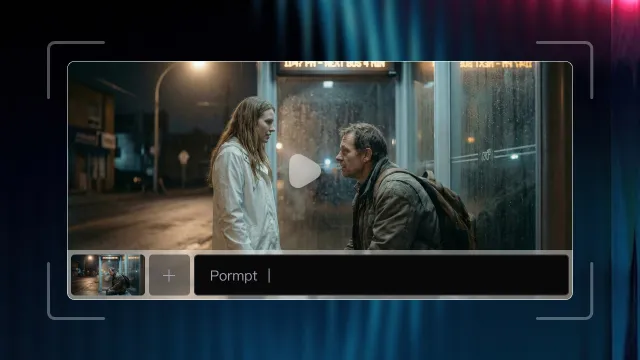
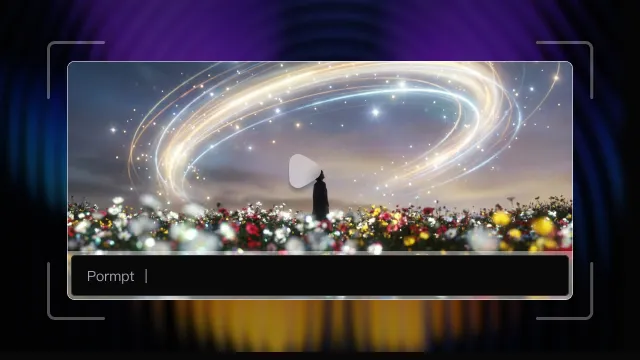
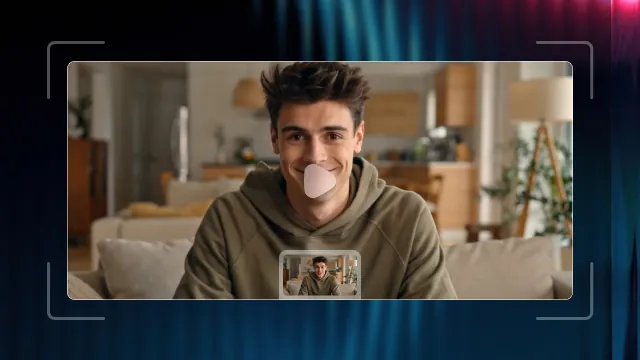
AI Art Creation with Sea Imagine AI
Create Video & Image with Sea Imagine AI, all-in-one unified art generation platform. Suitable for both professionals and amateurs, help users efficiently create art with minimal effort.
Core Features of Sea Imagine AI
Covers the complete video creation workflow from input to output, with a focus on stability and practical utility.
Image to Video Generation
Transform images into videos by adding basic motion and camera transitions, giving visuals a temporal dimension—ideal for display, presentations, and visual extension.
Text to Video Generation
Generate videos directly from text, parsing scene and action descriptions to help users rapidly validate creative directions or present conceptual ideas.
Multi-Model Video Generation Support
Choose from multiple video model options. Select based on visual style, action, or scenario needs—ensuring results best fit your requirements.
Unified Creation Interface
All generation methods are streamlined in a single workflow, reducing learning costs and making the end-to-end video creation process clearer and more intuitive.
Reusable and Editable Results
Generated videos feature clear structure, making them suitable as foundational assets for further editing, voiceover, or composition.
Suitable pricing and plans of Sea Imagine AI
Sea Imagine AI offers fair, modular plans. Select what you need and scale as your creative ambitions grow—flexible credits, simple tiers, instant access.
- 60 Credits for new users.
- 20 Credits for each daily check-in.
- Limited access to standard models.
- Slower processing priority.
- 15-Day History.
- Premium Models.
- No Watermarks Removal.
- Private Generation.
- Commercial License.
- 5000 Credits per month.
- AI Text/Image to Video.
- AI Text/Image to Image.
- All advanced video templates.
- Unlimited AI Tools access.
- Watermark-free results.
- 365-Day History.
- Fast queue.
- Private access.
- Priority support.
- Commercial License included.
- Credits valid for 1 year.
- Cancel anytime.
- 13000 Credits per month.
- AI Text/Image to Video.
- AI Text/Image to Image.
- All advanced video templates.
- Unlimited AI Tools access.
- No watermarks.
- 365-Day History.
- Fast queue.
- Private usage.
- Priority support.
- Commercial License included.
- Credits valid for 1 year.
- Cancel anytime.
- 40000 Credits per month.
- AI Text/Image to Video.
- AI Text/Image to Image.
- All advanced video templates.
- Unlimited AI Tools access.
- No Watermarks.
- 365-Day History.
- Top processing priority.
- Private usage.
- Dedicated support.
- Commercial License included.
- Credits valid for 1 year.
- Cancel anytime.
Add More Credits for Sea Imagine AI(One-Time)
- 10000 AI Credits.
- AI Text/Image to Video.
- AI Text/Image to Image.
- All video templates & effects.
- Unlimited AI Tools access.
- No Watermarks.
- 365-Day History.
- Fast queue.
- Private use.
- Priority support.
- Commercial License included.
- Credits valid for 1 month.
- 26000 AI Credits.
- AI Text/Image to Video.
- AI Text/Image to Image.
- All video templates & effects.
- Unlimited AI Tools access.
- No Watermarks.
- 365-Day History.
- Fast queue.
- Private use.
- Priority support.
- Commercial License included.
- Credits valid for 1 month.
- 56000 AI Credits.
- AI Text/Image to Video.
- AI Text/Image to Image.
- All video templates & effects.
- Unlimited AI Tools access.
- No Watermarks.
- 365-Day History.
- Fast queue.
- Private use.
- Priority support.
- Commercial License included.
- Credits valid for 1 month.
- 112000 AI Credits.
- AI Text/Image to Video.
- AI Text/Image to Image.
- All video templates & effects.
- Unlimited AI Tools access.
- No Watermarks.
- 365-Day History.
- Fast queue.
- Private use.
- Priority support.
- Commercial License included.
- Credits valid for 1 month.
FAQs of Sea Imagine AI
More Articles & Inspiration about Sea Imagine AI
HeyGen AI Birthday Video Maker Alternative: SeaImagine AI Guide
Compare HeyGen and SeaImagine AI for personalized birthday videos, then learn how to animate a portrait with prompts, cake, candles, audio, and lip sync online.
Free GPT Image 2 Without Signup: SeaImagine AI Review and Best Alternatives
Try Free GPT Image 2 through SeaImagine AI for no-signup image generation, prompt ideas, creative use cases, quality checks, limits, rights, and alternatives.
Kling Motion Control Guide: Animate Images with Reference Video
Learn Kling Motion Control on Sea Imagine AI: use reference videos, prepare images, write prompts, and test avatar, product, fashion, and meme clips today.
Luma Dream Machine Guide: How to Create AI Videos on VideoWeb AI
Learn how to use Luma Dream Machine on VideoWeb AI for text-to-video, image-to-video, prompt writing, cinematic clips, product videos, and social content today.
World Cup Posters with AI: Create Football Poster Designs on Sea Imagine AI
Learn how to create football-themed AI posters with Sea Imagine AI using text-to-image, image-to-image, Seedream 5.0, GPT Image 2, and rights checks safely.
Grok Imagine 1.5 vs Seedance 2.0: Which AI Video Model Should Creators Use on SeaImagine AI?
Compare Grok Imagine 1.5 vs Seedance 2.0 on SeaImagine AI for image-to-video, UGC ads, product clips, audio support, prompt control, and publishing checks.
Grok Imagine 1.5 Video Creation Guide for Creators on SeaImagine AI
Learn how to use Grok Imagine 1.5 on SeaImagine AI for text-to-video, image-to-video, prompt writing, settings, review checks, and social clips today. For ads.
Seedance 2.0 AI Video Generator: UGC Prompt Guide for SeaImagine AI
Copy Seedance 2.0 UGC prompts for SeaImagine AI with hooks, product demos, proof moments, CTAs, image-to-video tips, refinement advice, and ad safety checks.
Seedance 2.0 AI Video Generator: UGC Prompt Guide for SeaImagine AI
Learn Seedance 2.0 UGC prompts for SeaImagine AI, with reusable formulas, product ad examples, image-to-video tips, safety checks, and simple workflow steps.
How to Use Grok Imagine AI Video Model on SeaImagine AI
Learn how to use Grok Imagine AI Video Model on SeaImagine AI for text-to-video and image-to-video clips with prompt and setting tips.
ChatGPT Image 2 vs Seedream 5: Which AI Image Model Should You Use?
Compare ChatGPT Image 2 vs Seedream 5 for product images, posters, infographics, editing, brand visuals, and SeaImagine workflows.
ChatGPT Image 2 Release: Features, Prompts, and API Guide
ChatGPT Image 2 improves AI image generation with better text, realism, layouts, and API access through Flaq AI.