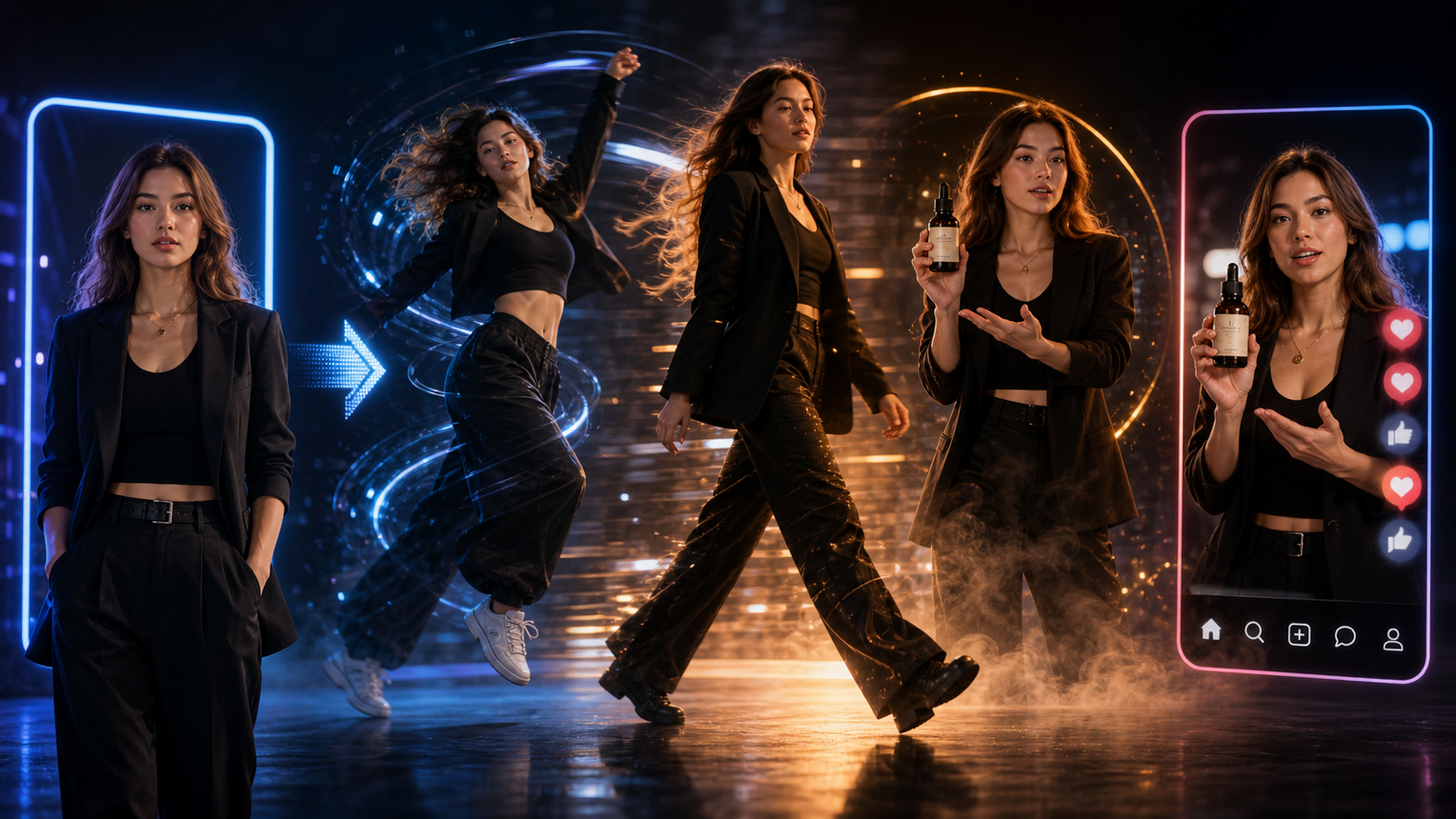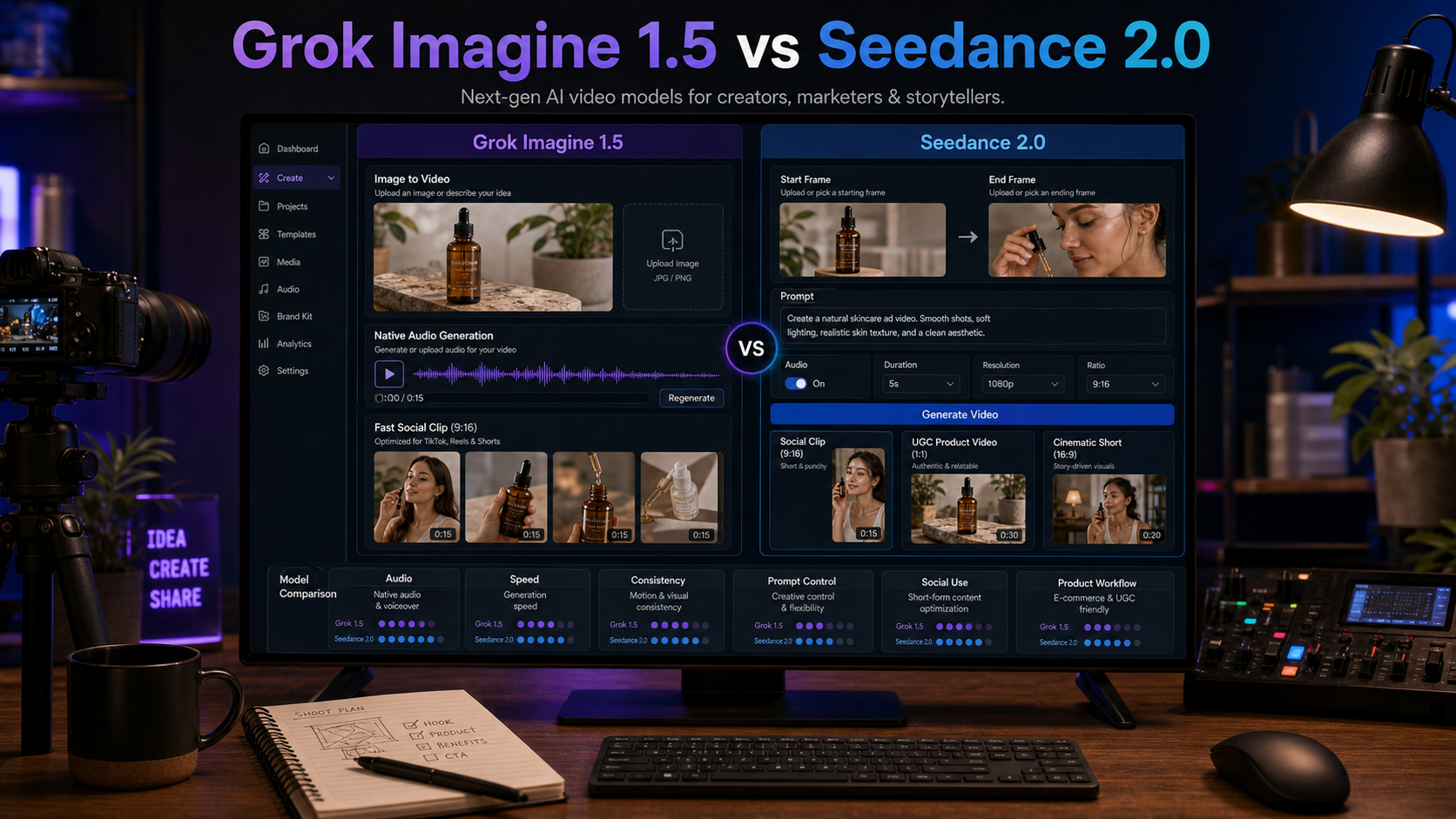
Grok Imagine 1.5 vs Seedance 2.0 is not a simple winner-takes-all comparison. The better model depends on the job: fast image-to-video clips with audio-supported social energy, or a more structured short-video workflow for product ads, UGC variations, start/end frame planning, and repeatable creator campaigns.

This guide compares the two models by practical workflow fit on SeaImagine AI, including image-to-video, text-to-video, social clips, product ads, UGC-style videos, cinematic scenes, prompt control, speed, consistency, audio handling, and publishing checks. Use it as a decision guide, then verify current model availability, credits, duration, resolution, aspect ratios, watermark rules, export limits, upload privacy, and commercial terms on the live SeaImagine pages before publishing or using paid media.
Grok Imagine 1.5 vs Seedance 2.0: The Practical Difference
The practical difference is that Grok Imagine 1.5 is better framed as a fast, image-driven social clip workflow, while Seedance 2.0 is better framed as a structured short-video workflow with more planning controls. That does not make one model universally better. It means each one fits a different creative bottleneck.
Use Grok Imagine 1.5 AI Video Generator when the project starts from a still image and needs quick motion, character reaction, meme-style energy, ambient sound direction, or a fast audio-visual draft. This is useful for creator experiments, casual campaign concepts, image-to-video social posts, and short clips where speed matters more than heavy production control.
Use Seedance 2.0 AI Video Generator when the project needs a more deliberate workflow: prompt planning, start frame, end frame, audio toggle, duration, resolution, ratio, and repeatable short-form variations. That makes Seedance 2.0 a strong fit for product demos, UGC ads, ecommerce clips, TikTok/Reels tests, and creator content that needs clearer subject continuity.
Here is the short version:
| Workflow question | Better first test | Why |
|---|---|---|
| I have one still image and want fast motion | Grok Imagine 1.5 | More suitable for quick image-to-video social drafts. |
| I need product or UGC ad variations | Seedance 2.0 | More suitable for structured short-form controls. |
| I care about audio-supported social moments | Grok Imagine 1.5 | Better first test for lightweight audio-visual clips. |
| I need start/end frame planning | Seedance 2.0 | Better first test for guided continuity. |
| I want to compare model behavior fairly | Use both | Same prompt, same asset, same ratio, same review checklist. |
The smartest workflow is to test both models with the same product photo, character image, or scene idea. Compare motion quality, prompt following, audio behavior, product consistency, generation settings, credit cost, export quality, and editing time before choosing a default model.

Grok Imagine 1.5 AI Video Generator Is Better for Fast Image-to-Video and Audio-Supported Social Clips
Grok Imagine 1.5 is the better first choice when speed and social clip energy matter most. If a creator has a portrait, product mood image, meme concept, character still, or campaign visual, the Grok Imagine 1.5 image-to-video workflow can help turn that still into a short motion draft without building a full production plan first.
This makes Grok Imagine 1.5 on SeaImagine AI useful for:
- Fast image-to-video tests from a single still image.
- Character reactions, quick social posts, and meme-style clips.
- Product mood videos where the goal is atmosphere rather than exact product demonstration.
- Audio-supported short clips with dialogue-like moments, ambient sound, or social-video pacing.
- Lightweight campaign concepts that need fast iteration before manual editing.
For example, a coffee product image could become a warm cafe clip with steam, slow camera push-in, ambient room sound, and a short social caption. A character image could become a reaction clip with subtle facial movement and a punchy hook. A fashion still could become a quick outfit motion test for Reels or TikTok.
The trade-off is control. Grok Imagine 1.5 is useful for fast drafts, but creators still need to review motion artifacts, identity drift, hands, product shape, audio timing, captions, and rights. Do not assume perfect audio sync, flawless likeness consistency, or legally safe commercial use without review.
Use this compact prompt structure:
Animate this image into a short [platform/use case] video. Main subject: [subject]. Motion: [specific action]. Camera: [push-in / handheld / pan / close-up]. Audio: [ambient sound / music / dialogue-like moment]. Mood: [casual / cinematic / funny / premium]. Ratio: [9:16 / 16:9 / 1:1]. Avoid: [distorted face, warped product, unreadable text, fake logos].
Start simple. If the first output preserves the subject and creates usable movement, then test stronger camera motion, tighter audio direction, or a more specific social hook.

Seedance 2.0 AI Video Generator Is Better for Structured UGC, Product Ads, and Repeatable Short-Form Workflows
Seedance 2.0 is the better first choice when the video needs structure, repeatability, and clearer production intent. Instead of treating the output as a quick one-off animation, Seedance 2.0 on SeaImagine AI is better suited to workflows where the creator plans a prompt, input image, start frame, end frame, duration, resolution, ratio, audio setting, and review checklist.
That makes Seedance 2.0 especially useful for:
- UGC product ads with hook, demonstration, benefit, and CTA.
- Ecommerce product clips that need product consistency and cleaner framing.
- TikTok/Reels/Shorts variations for campaign testing.
- Reference-driven creator content using product photos, portraits, or scene stills.
- More controlled text-to-video and image-to-video experiments.
- First-frame planning where the opening moment must be clear.
Use Image to Video AI when you already have a product photo, creator image, or concept frame. Use Text to Video AI when you want to test a scene idea before choosing a reference image. Use the broader AI Video Generator when you want to compare models and workflows in one creator-friendly environment.
For UGC and product ads, prompt Seedance 2.0 like a short production brief:
Create a 9:16 UGC product video for [product]. Start frame: [describe first shot]. End frame: [describe final CTA shot]. Scene: [setting]. Subject action: [demo or reaction]. Camera: [handheld close-up / product macro / side pan]. Audio: [toggle on/off, music, voiceover direction, ambient sound]. Duration: [short clip length if available]. Style: native social video, clear product focus. Avoid: warped packaging, fake claims, unreadable label text, distorted hands.
Seedance 2.0 is not automatically production-ready either. It may still need editing, brand approval, music checks, product-claim review, and platform-policy review before publishing. The benefit is that its structured workflow can make iteration easier for teams that need multiple short-form ad variants.

Use SeaImagine AI to Test Both Models, Then Review Before Publishing
SeaImagine AI is the practical platform recommendation because it brings the model pages and supporting video workflows into one place. Creators can test Grok Imagine 1.5, Seedance 2.0, AI Video Generator, Image to Video AI, Text to Video AI, and other model pages such as Happy Horse 1.0 or Gemini Omni when a project needs a broader comparison.
Use both Grok Imagine 1.5 and Seedance 2.0 when the final result matters enough to compare model behavior. For example, test the same skincare product photo in Grok Imagine 1.5 for a fast audio-supported social mood clip, then test it in Seedance 2.0 for a more structured UGC ad with start/end frame planning. The comparison will show whether speed, audio feel, product consistency, prompt control, or editability matters more for that campaign.
Recommended workflow:
- Choose one source asset or one text prompt.
- Run a Grok Imagine 1.5 version for fast motion and audio-supported social energy.
- Run a Seedance 2.0 version for structured product or UGC control.
- Compare motion quality, prompt following, subject consistency, audio behavior, product accuracy, ratio, duration, resolution, watermark rules, export quality, and credit cost.
- Edit the best draft manually before publishing.
Publishing checks matter more than model hype. Before using any generated clip publicly or in paid ads, review:
- Product accuracy: packaging, labels, physical behavior, and claims.
- Audio rights: music, voice, sound effects, and sync quality.
- Likeness rights: real people, avatars, impersonation risk, and consent.
- Brand safety: platform rules, ad policy, disclosure requirements, and sensitive content.
- Commercial use: SeaImagine terms, model terms, upload privacy, watermark rules, and export limits.
- Editing needs: captions, cuts, CTA, color, compression, and final platform formatting.
FAQ
Is Grok Imagine 1.5 or Seedance 2.0 better?
Grok Imagine 1.5 is often the better first test for fast image-to-video and audio-supported social clips. Seedance 2.0 is often the better first test for structured UGC ads, product videos, and repeatable short-form variations. The best choice depends on the workflow.
Which model is better for image-to-video?
Use Grok Imagine 1.5 when the goal is a fast animation from one still image. Use Seedance 2.0 when the image-to-video workflow needs stronger planning controls, product focus, start/end frame logic, or repeatable ad variations.
Which model is better for UGC and product ads?
Seedance 2.0 is usually the better first choice for UGC and product ads because structured prompts, reference images, ratio, duration, and review controls matter. Grok Imagine 1.5 can still be useful for mood clips and quick social concepts.
Can Grok Imagine 1.5 and Seedance 2.0 create videos with audio?
The brief positions both workflows around audio-supported short videos, but audio settings and behavior can change. Verify current audio support, sync quality, export rules, and terms on the live SeaImagine model pages before publishing.
Should creators use both models?
Yes, when the project has budget or time for comparison. Testing both with the same prompt or image gives a clearer view of motion, speed, audio, consistency, product accuracy, editability, and platform settings.
Conclusion
Grok Imagine 1.5 vs Seedance 2.0 is best decided by workflow fit. Choose Grok Imagine 1.5 for fast image-to-video, social clips, character reactions, meme-style ideas, and quick audio-visual drafts. Choose Seedance 2.0 for structured short-form generation, product demos, UGC ads, ecommerce clips, start/end frame planning, and repeatable social-video campaigns. On SeaImagine AI, the strongest approach is to test both, compare the outputs against your publishing checklist, then edit and verify rights before release.