
Majesty 🩶🩶 Seedream 4.5 is absolutely outstanding in AI Fashion creation

Seedream 4.5 AI Image Generator is built around realistic rendering and compositional stability, ideal for visual creation tasks with strict requirements on texture and consistency. Whether generating people, products, or scenes, it prioritizes logical lighting and natural materials, producing images approaching true photography quality.
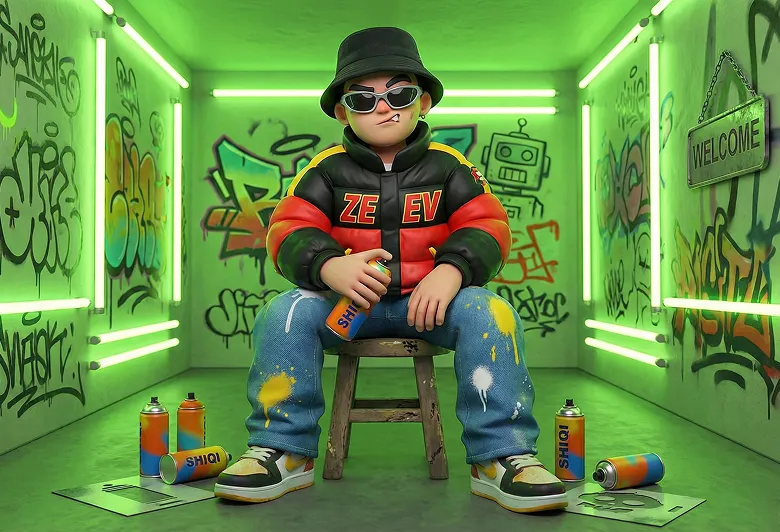
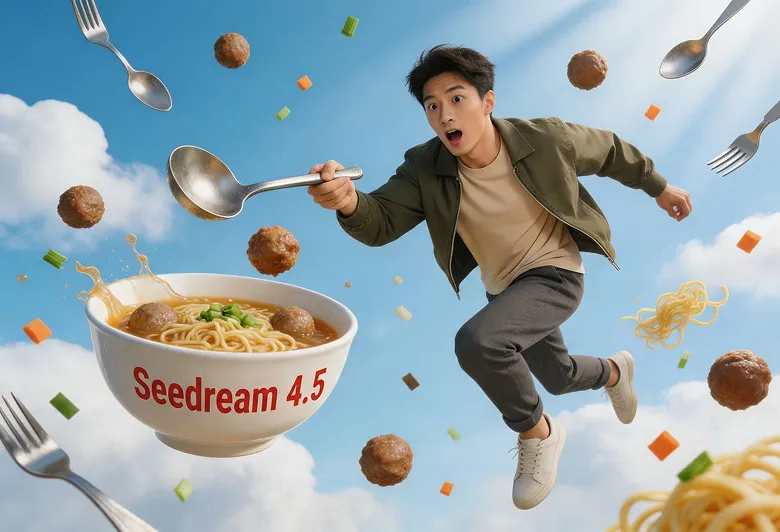
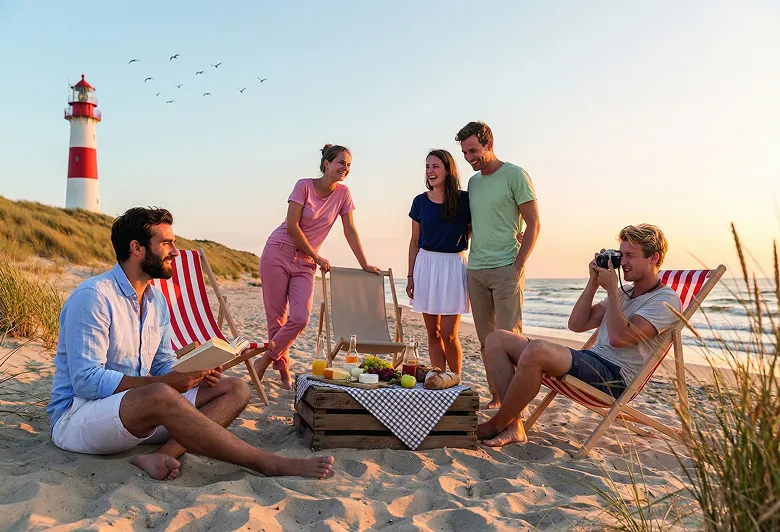
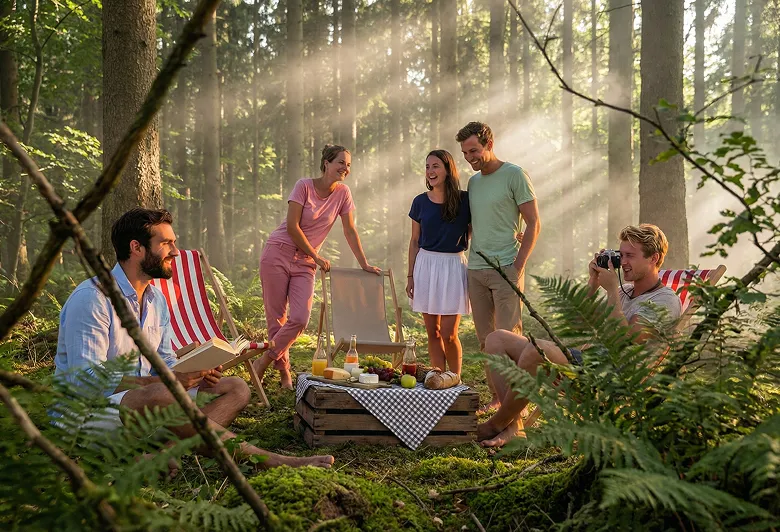
Features focused on realistic performance, consistency control, and efficient iteration—suitable for a variety of commercial visual scenarios.
Maintains clarity in complex or low-light scenes. Realistic textures for skin, fabric, metals, and glass, with minimal visual distortion or plasticity. Suitable for product showcases and portrait creation.
Ensures style, appearance, proportions, and environments remain highly consistent across multiple images or sequence shots. Natural gestures and stable structural proportions—ideal for brand content and visual series projects.
Achieves background replacement, lighting adjustments, outfit changes, or subtle style tweaks even with concise instructions. Reduces repeated modification due to unclear edits, ensuring clear response to common creative needs.
Suitable for packaging mockups, detailed text layouts, simulated product photography, film concept art, and more—delivering stable performance in color handling and spatial depth.
Prioritizes controllability and productivity, consistently delivering reliable visuals for both commercial and creative projects.
Generated images closely match photographic standards in composition, light, and material realism—ready for direct use in presentation or proposals, reducing the need for post-processing.
Maintain a unified visual language across ad campaigns, e-commerce image sets, or social posts—strengthening brand coherence throughout your content.
Combines flexibility for creative exploration with reliable, high-quality output for collaborative team environments, such as marketing or content production workflows.
Supports native high-resolution image generation while maintaining fine texture, material realism, and layering of light and shade. Meets the needs of presentations, e-commerce, and print output.
Best suited for visual tasks that demand photorealistic results and unified style.
Produce event key visuals, advertising creatives, or product promos, with consistent lighting, tone, and detail—strengthening brand identity across materials.
Ensures uniform style for covers, thumbnails, and post visuals across platforms, while supporting diverse composition needs for content experimentation.
Generate convincing product mockups, visualize color/material variants, and create scenario-based lifestyle images to enhance online product pages.
Create concept art, storyboard references, or scene atmosphere explorations that provide stable color grading and space depth for creative development.
Follow these three steps to create professional images with Seedream 4.5 AI Image Generator.
Open the AI image generation tool and select Seedream 4.5 AI Image Generator as your current engine.
Input your text prompt or upload reference images. Clearly describe the required scene, subject, or product, including any requests for lighting or style.
After image generation, adjust details or try different versions as needed. Once satisfied, export your image at the required resolution.
Frequently asked questions about Seedream 4.5 AI Image Generator.
Discover more social sharings of Seedream 4.5 AI creation.
Majesty 🩶🩶 Seedream 4.5 is absolutely outstanding in AI Fashion creation
Seedream 4.5.

Snowy Mountain Monastery Works with Seedream 4.5 Prompt SCENE — SNOWY MOUNTAIN MONASTERY A remote mountain monastery built into rugged high-altitude cliffs, featuring strong stone construction, aged wooden gates, narrow mountain paths, and practical defensive walls integrated

プロンプトを使わせていただきました🦋 seedream-4.5でも良い感じです🎵


Midjourneyの 初心者🔰プロンプト研究 Day8️⃣❤️🔥 今日はキャラクターじゃなくて 手前のお花にフォーカスするプロンプトを研究🪻 あえてお顔をぼかすのも雰囲気出るかも💫 プロンプトはALTに書いたよ🥳 ポストをタップ👉ALTをタップで 表示されるからチェックしてみてね🫶 #AIイラスト #AIart

Learn advanced prompt techniques, image generation best practices, and creative workflows to maximize your results with Seedream 4.5.


