
1 | Vidnoz AI - Image to Video Generator @vidnoz_official Vidnoz AI Lip Sync Any Video with Face + Any Audio = Free Lip Sync 🔗bit.ly/3HxM7b0
Lip Sync Video Generator: Create Talking Videos
Create talking videos with Lip Sync Video Generator. Upload a character image and audio file, and generate natural talking photo videos.
Example
Video Examples of Lip Sync Video Generator
Explore how Lip Sync Video Generator turns portraits, avatars, cartoon characters, product presenters, mascot images, creator photos, and brand visuals into talking videos. Create dialogue clips, localized dubbing videos, music lip-sync edits, AI spokesperson videos, customer testimonials, training explainers, UGC ads, and social media talking-head content from a single image and audio track.
Original Image
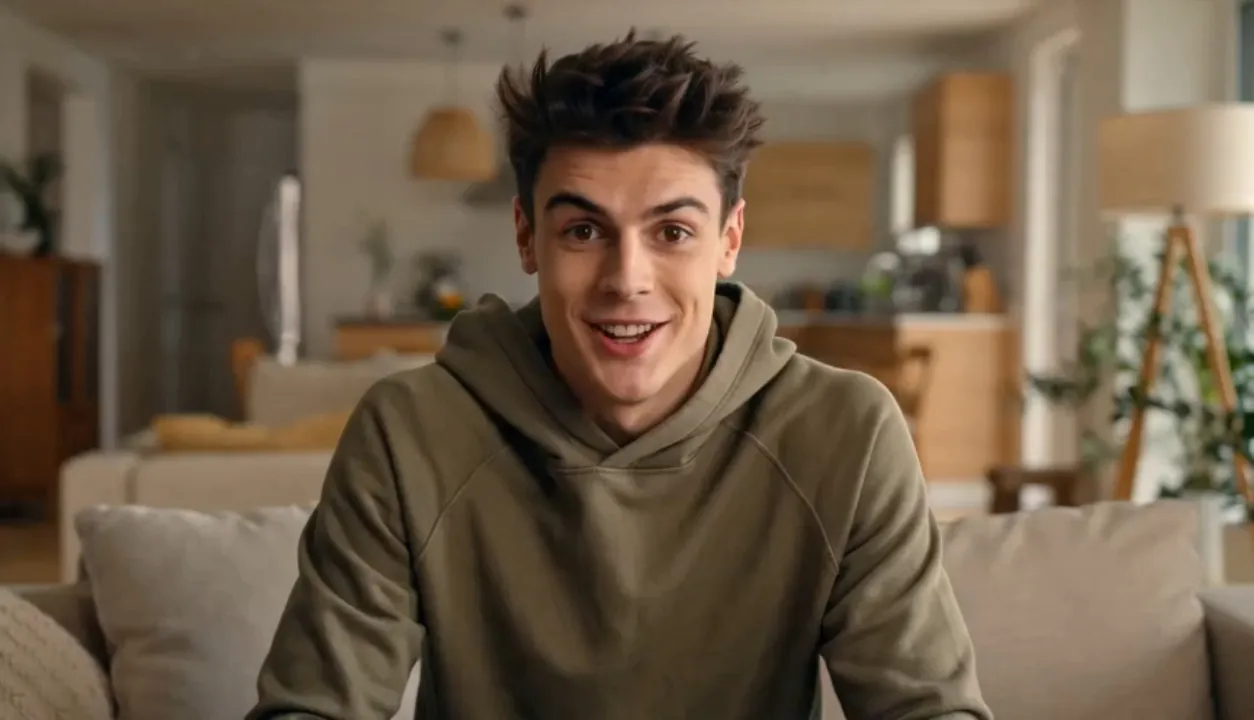
Prompt
Lip Sync Video
Video
Feature
Core Features of Lip Sync Video Generator
Lip Sync Video Generator combines image upload, audio upload, AI mouth movement matching, natural facial animation, multilingual speech support, talking avatar creation, and fast online video generation.
Image and Audio to Lip Sync Video
Upload a character image and audio file, then let AI generate a lip-synced video where the subject's mouth movements follow the voice, song, dialogue, or narration.
Natural Mouth Movement Matching
Create realistic lip movements that align with audio timing, speech rhythm, pauses, pronunciation, and expression so the final video feels more believable.
Talking Photo and Avatar Video
Bring portraits, avatars, cartoons, digital humans, mascots, and illustrated characters to life as talking videos for social media, presentations, marketing, education, and entertainment.
Multilingual and Creative Audio Workflows
Use speech, voiceover, song clips, localized audio, or narration to create dubbing videos, translated content, music lip-sync edits, global campaign assets, and creator-style clips.
Advantage
Advantages of Lip Sync Video Generator
Lip Sync Video Generator helps creators, marketers, educators, ecommerce teams, agencies, and brands turn still images and audio into engaging talking videos without filming new takes.
No Reshoot Required
Update messages, create new languages, test scripts, or make character videos from existing images and audio instead of filming a presenter again.
Simple Online Workflow
Start with one image and one audio file, generate a preview, refine the visual or audio direction, and download a ready-to-share lip sync video.
Useful for Global Content
Create translated videos, localized ads, multilingual training clips, international product demos, and audience-specific messages while keeping the same character visual.
Flexible Character Types
Generate lip sync videos with humans, avatars, cartoons, anime characters, mascots, digital presenters, product spokespeople, and stylized brand characters.
Scenario
Use Cases for Lip Sync Video Generator
Lip Sync Video Generator supports practical video workflows for social media, marketing, dubbing, localization, education, onboarding, UGC ads, creator content, and digital human videos.
Social Media Talking Videos
Create TikTok clips, Instagram Reels, YouTube Shorts, talking photos, creator intros, music lip-sync edits, meme videos, and character posts from an image and audio file.
Dubbing and Translation
Localize videos, product explainers, training clips, testimonials, or campaign messages by syncing a character image to new audio in another language.
UGC Ads and Product Marketing
Turn a presenter image, brand mascot, influencer-style avatar, or product spokesperson into a talking video for ecommerce ads, app promos, feature highlights, and landing pages.
Manual
How to Use Lip Sync Video Generator
Create an AI lip sync video from an image and audio file in three simple steps.
Upload a clear character image, portrait, avatar, or cartoon visual
Upload an audio file with speech, dialogue, narration, or music
Generate, preview the lip sync video, refine, and download your result
FAQ
Lip Sync Video Generator FAQ
Share Your AI Talking Videos & See #AILipSync Creations
Show off your AI animated talking head and lip sync videos on social platforms, or get inspiration from the community.
This is the holy grail of AI for creating music videos with lip sync. Don't miss these 2 tutorials. They're right below! 👇

You are the workflow now. Kling Motion Control + Seedance 2.0 is the cleanest, most dynamic lip sync I’ve seen yet. Here's how to use it in Magnific👇

Turn still images into talking storybook characters with JoyPix.ai ✨ Create AI lip sync videos with two-person dialogue — perfect for kids’ animation, storybook videos, talking animals, and educational content. Create your own AI lip sync animation today:

Create stunning cinematic videos effortlessly with Kling 3.0! Enjoy seamless transitions, lip-sync, and multi-shot control in one tool. 🎥✨ Explore it here: tools-ai.online/tool/kling-3-0… #VideoEditing #AITools