AI image generation is moving from “cool experiment” to practical creative infrastructure. The release of OpenAI Image 2.0 shows that shift clearly. Instead of only generating attractive pictures from short prompts, ChatGPT Image 2 is designed to help users create images that feel more usable: posters with readable text, realistic product scenes, visual explanations, comic panels, branded layouts, and multi-format creative assets.
For everyday users, this means ChatGPT can become a stronger visual assistant. For developers and creative teams, it means the image model is no longer just a toy for one-off generations. It can become part of a repeatable workflow: prompt, generate, review, edit, and scale. That is also why platforms such as Flaq AI matter. A dedicated OpenAI GPT image 2 access page gives users a way to test the model online and then move toward API usage when the workflow becomes serious.
What Makes ChatGPT Image 2 Different?
The most obvious improvement is not only realism, although realism is important. The bigger change is usefulness. Earlier AI image tools often struggled when the task required structure: readable typography, clear information hierarchy, multiple panels, consistent visual direction, or detailed instructions. ChatGPT Image 2 appears more focused on solving those practical problems.
For example, a marketer may need a launch poster with a clear headline, a product shot, and a matching brand mood. A teacher may need an infographic that explains a difficult idea. A creator may need a manga-style page with panels, captions, and consistent characters. These are not just “pretty image” tasks. They require the model to understand the purpose of the image and organize visual information in a way that makes sense.
That is where GPT image 2 OpenAI becomes more interesting than a basic image generator. Its strengths are most visible when the image has a job to do: explain, advertise, teach, prototype, or communicate.
Stronger Text Rendering and Visual Layouts
One of the most important upgrades is better text rendering. For years, AI image models were famous for producing beautiful images with broken words, fake letters, or unreadable signs. ChatGPT Image 2 pushes further toward cleaner typography, which makes it more useful for posters, thumbnails, social media graphics, infographics, packaging concepts, and editorial layouts.
This does not mean every tiny line of text will always be perfect. Users should still review outputs carefully, especially for commercial or public-facing designs. But better on-image text changes what creators can reasonably expect. Instead of generating a background image and adding all text manually later, users can now ask the model to draft a more complete visual concept.
The upgraded chatgpt image model also appears stronger at visual hierarchy. That matters because a good ad or poster is not just a collection of elements. The viewer should know what to look at first, what the message is, and what action to take next.
Better Realism, Style Range, and Creative Control
ChatGPT Image 2 is not limited to one visual style. It can support photorealistic images, editorial design, manga and comic pages, cinematic scenes, product mockups, educational graphics, and stylized illustrations. This flexibility makes it useful for many types of creators.
For photorealistic work, users can describe camera angle, lighting, lens mood, materials, location, and emotional tone. A simple prompt such as “a product photo of a skincare bottle” may produce a decent image, but a more directed prompt will usually work better: “premium skincare bottle on a stone bathroom counter, soft morning window light, natural shadows, clean luxury editorial style, shallow depth of field, no extra text.”
For illustration or manga-style work, the model benefits from clear panel direction, character descriptions, and tone. For brand visuals, it helps to specify color palette, typography mood, layout style, and target audience. The key is to treat the model less like a magic button and more like a junior visual collaborator that responds well to direction.
How to Prompt ChatGPT Image 2 for Better Results
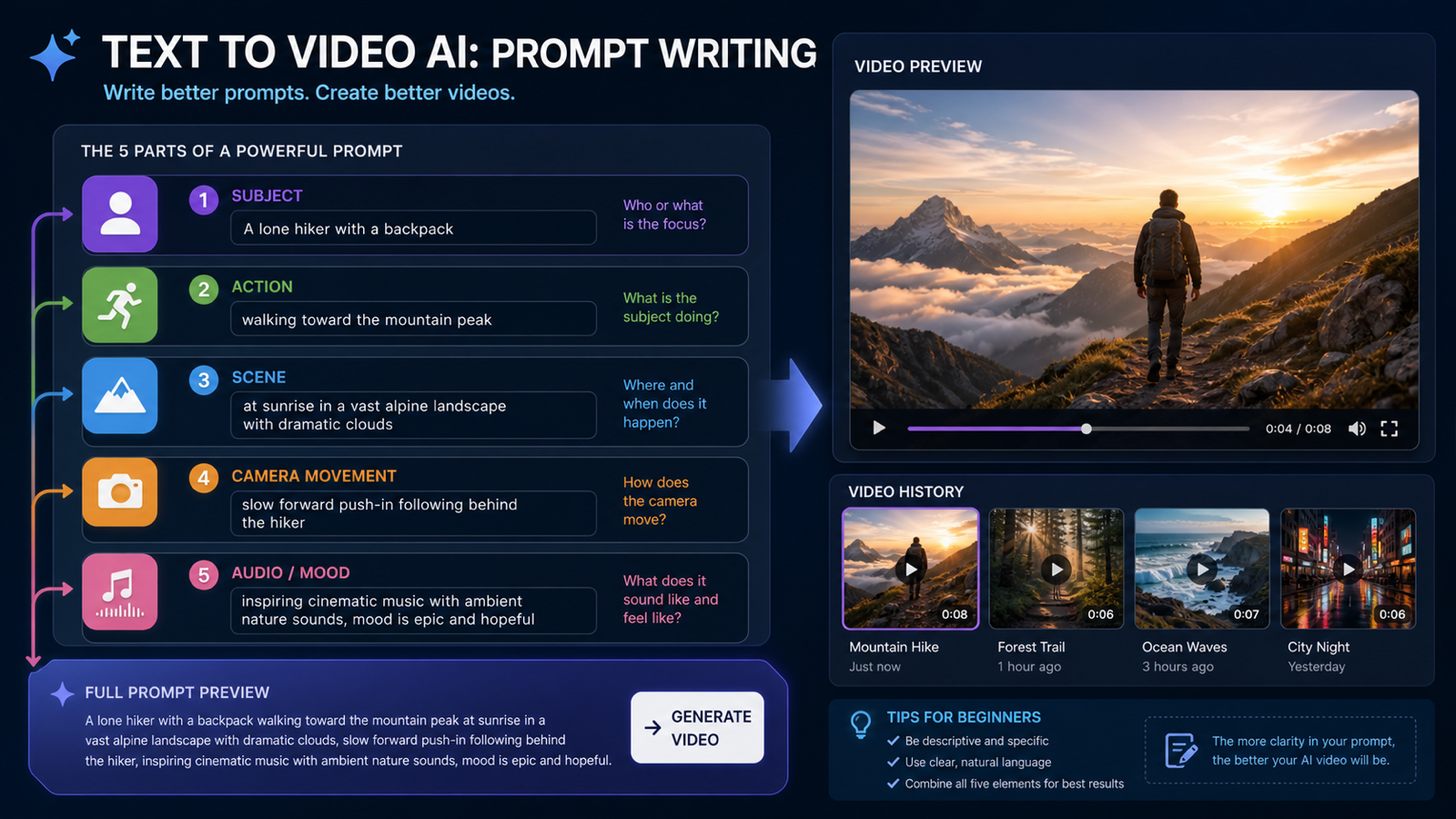
A good prompt should explain the image’s purpose before drowning the model in decorative details. Start with what the image is supposed to be, then add visual direction.
A strong structure is:
Format + subject + purpose + composition + style + lighting + text + constraints.
Example:
“Create a vertical 9:16 launch poster for a premium strawberry matcha drink. Show the drink on a clean café table with soft morning light, a modern Japanese-inspired green and cream palette, elegant editorial typography, and a clear headline that says ‘Kizuna Matcha — Spring Launch.’ Leave space near the bottom for a call-to-action. Make the image polished, realistic, and not overcrowded.”
This kind of prompt works because it gives the model a real creative brief. It defines the format, product, mood, text, layout, and practical constraint. For chatgpt image 2.0, this is especially important because the model can handle more structured instructions than older systems, but it still needs the user to define what success looks like.
For API workflows, prompt clarity matters even more. If a team wants to generate product banners, blog covers, app visuals, or ad variations at scale, the best approach is to test a prompt manually first, refine it, and then turn it into a reusable template.
Where to Access ChatGPT Image 2
Casual users can use ChatGPT directly for image creation. That is the simplest route if the goal is personal creativity, quick drafts, brainstorming, or occasional visual generation. However, developers, agencies, and product teams often need something more structured: API access, predictable settings, prompt testing, and a path to integration.
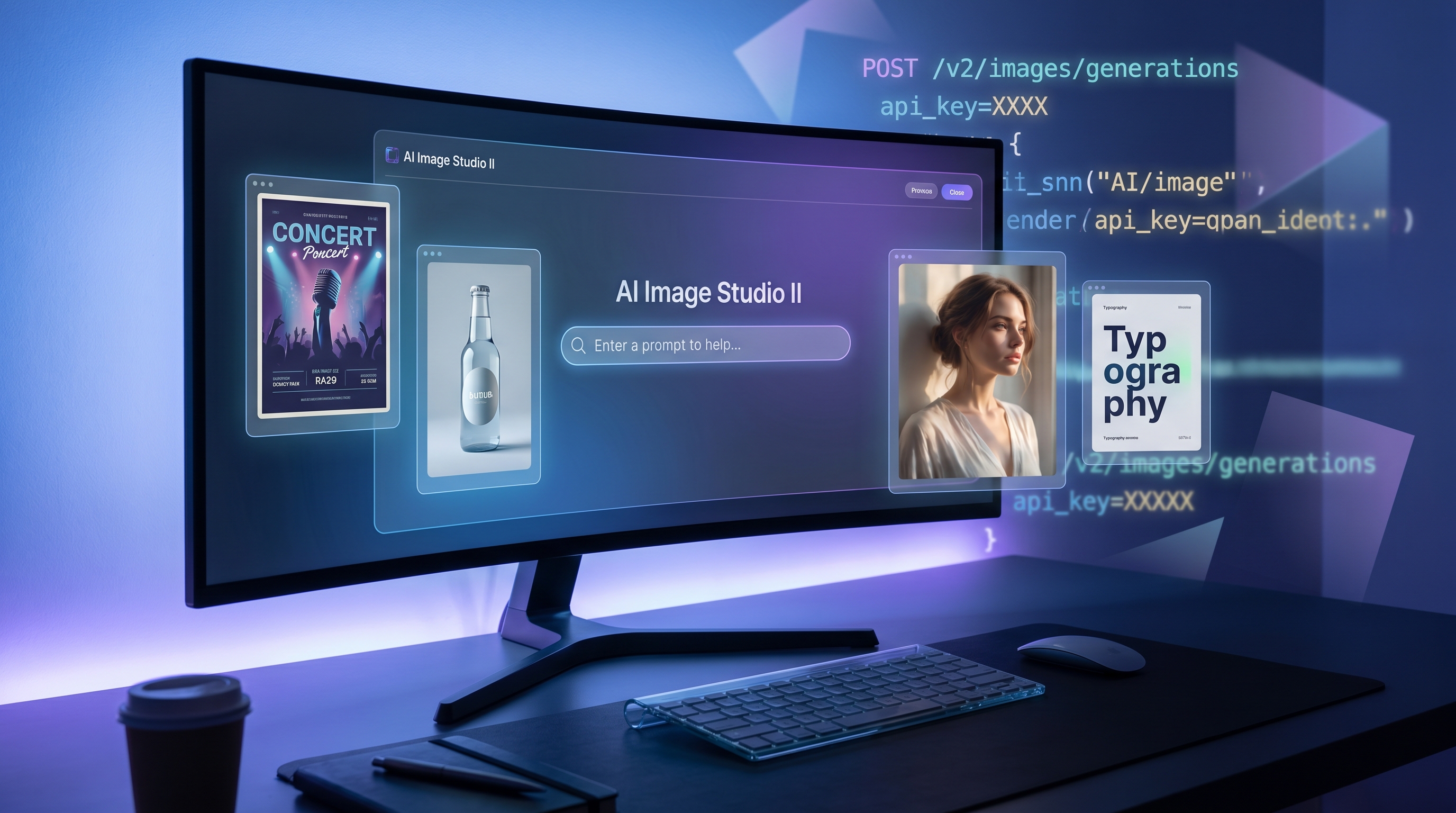
That is where Flaq AI becomes useful. The chatgpt image api page is positioned for users who want both online direct use and API acquisition. In practical terms, that means a creator can test prompts in a browser, while a developer can evaluate whether the same model fits a product or automation workflow.
This bridge between direct use and API access is important. Many teams do not want to start with code immediately. They want to see whether the model can handle their use case first. Once the outputs become consistent enough, they can move from manual testing to API-based generation.
Why Use GPT Image 2 Through Flaq AI?
Flaq AI’s value is convenience. It gives users a dedicated model page for GPT Image 2, with a more focused route for testing and API access. For creators, this can reduce friction. For developers, it can simplify early evaluation before deeper integration.
The model page highlights natural-language prompts, high-resolution image output, multiple aspect ratios, quality options, text-to-image generation, multi-object composition, on-image typography, cinematic prompt control, and instruction following. Those are exactly the areas that matter when users want production-oriented image generation instead of random experimentation.
For teams comparing an ai image models api, the real question is not only “Can it make good images?” The better question is: can it make useful images repeatedly, in the formats and styles your workflow requires? Flaq AI is worth considering because it lets users test that question directly before committing to a larger setup.
Best Use Cases for ChatGPT Image 2
ChatGPT Image 2 is strongest when the image needs both visual quality and communication value. It is a strong fit for campaign posters, ecommerce product scenes, YouTube thumbnails, app mockups, pitch visuals, concept art, educational diagrams, social media graphics, and editorial illustrations.
It is also useful for creative teams that need fast ideation. A designer can generate mood boards and draft layouts before refining them in professional software. A marketer can test several ad concepts before choosing a direction. A developer can build a feature where users generate images inside an app.
The model is less ideal when users expect perfect final files with no review. Like all image models, it still benefits from human checking. Text, small details, brand accuracy, legal compliance, and sensitive subjects should be reviewed before publication.
A Practical Workflow for Creators and Developers
Start simple. First, test direct online generation. Try multiple prompts for one real use case, not random examples. If you need ad posters, test ad posters. If you need product visuals, test product visuals. If you need app-generated images, test the exact type of image your users would request.
Next, refine the prompt structure. Keep the parts that improve results: format, subject, lighting, style, text placement, aspect ratio, and constraints. Remove vague phrases that do not help. Then test variations one element at a time.
Finally, move to API planning. Decide which inputs users will control, which prompt parts should stay fixed, and how you will review or moderate outputs. This is where OpenAI image 2.0 access through Flaq AI can make sense: test visually first, then use the API when the workflow becomes predictable.
Final Verdict
ChatGPT Image 2 is an important release because it makes AI image generation feel more useful for real creative work. Its value is not only in prettier images, but in better text, stronger layouts, richer styles, more flexible formats, and improved instruction following.
For casual users, ChatGPT is enough. For creators and developers who want online testing plus API access, Flaq AI’s GPT Image 2 page is a practical route. It helps close the gap between experimentation and production, which is exactly where modern AI image tools are heading.
Recommendation: Explore More Creative Models and Webpages
After testing ChatGPT Image 2 through Flaq AI, creators who also need broader image and video workflows can explore SeaImagine AI. It is especially useful when your project moves beyond still image generation into image-to-video, text-to-video, photo restoration, cartoon portraits, and model-based creative workflows.
Recommended pages:
- AI Image Generator — for text-to-image, image-to-image, and general visual creation.
- Image to Video — for turning still images into animated clips.
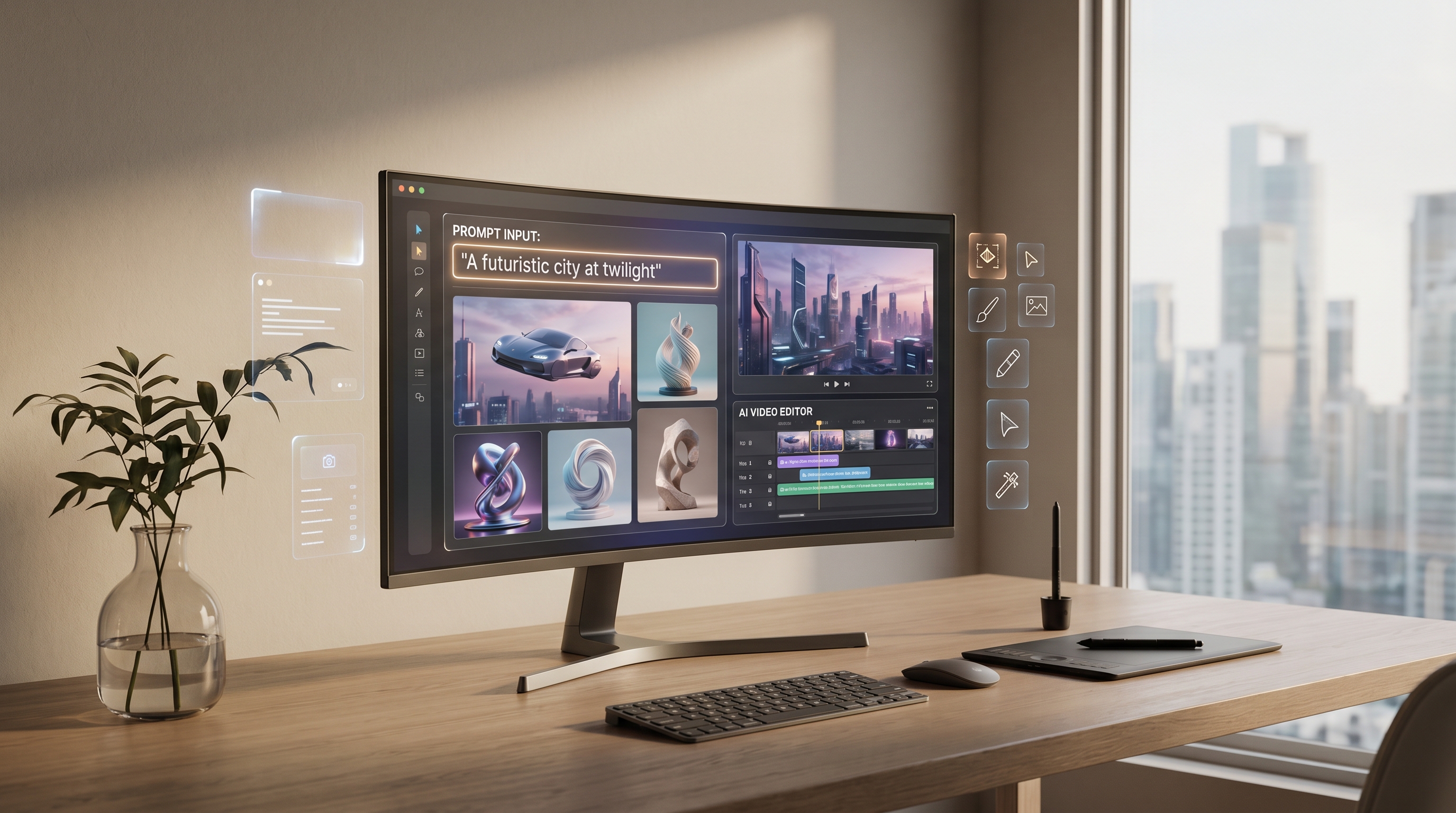
- Text to Video — for creating short videos from written prompts.
- Old Photo Restorer — for restoring, enhancing, or colorizing old photos.
- Photo to Cartoon — for turning portraits and photos into cartoon-style images.
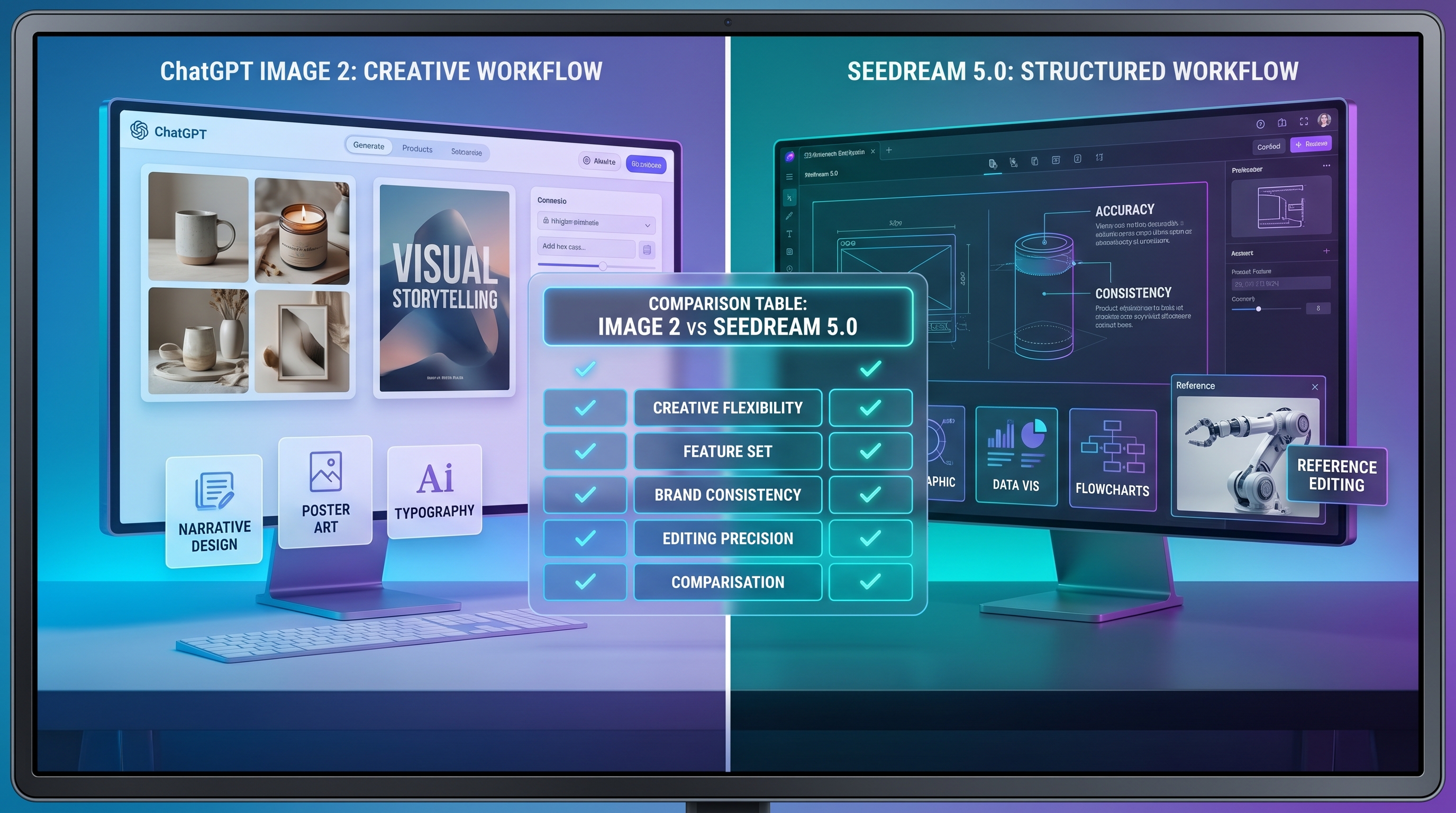
- Seedream 5.0 AI — for users comparing newer image-generation and editing models.
- Seedance 2.0 — for video creators exploring short-form AI video generation.