
GPT IMAGE 2 and Kling 3.0 GPT Image 2 Prompt: A young woman sitting in the crowd at a professional football match is captured from afar by a live broadcast stadium camera. She is seated among passionate fans in a massive football stadium with vibrant team colors, bright
GPT Image 2 AI Image Generator
GPT Image 2 AI Image Generator is OpenAI's advanced image generation and editing model for fast, high-quality visual creation. It supports text-to-image generation, prompt-based image editing, flexible sizes, and high-fidelity image inputs, making it ideal for professional marketing, e-commerce, education, design, and creative production workflows.
Examples of GPT Image 2 AI Image Generation
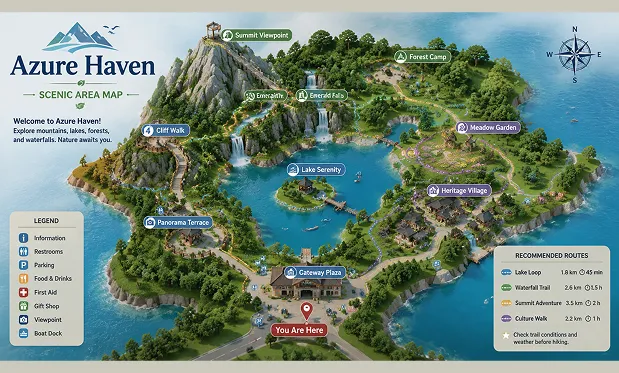
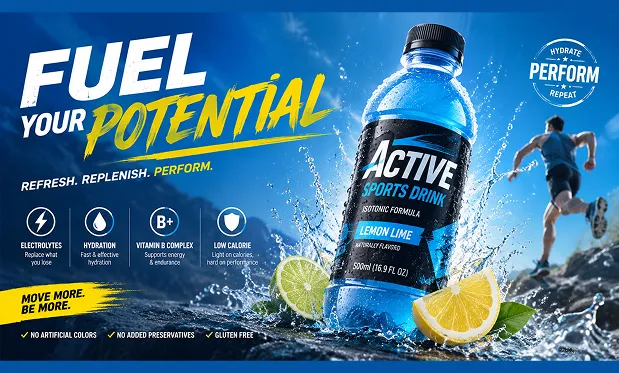
GPT Image 2 AI Image Generator is built for precise prompt understanding, clear text rendering, and consistent image editing. Whether generating product visuals, posters, UI concepts, diagrams, packaging mockups, or realistic scenes, it emphasizes clean composition, readable typography, and stable visual logic.
Reference-Guided Scene Update
Targeted Subject Editing
Core Features of GPT Image 2 AI Image Model
Features focused on text-to-image creation, prompt-based editing, typography accuracy, and production-ready visual output for commercial and creative scenarios.
High-Precision Text Rendering
Generates images with clearer typography, labels, signs, product text, interface copy, and multilingual visual elements. This makes GPT Image 2 useful for posters, packaging, UI mockups, educational diagrams, and marketing assets that require readable text.
Prompt-Based Image Editing
Supports editing existing images with natural language instructions. Users can adjust subjects, backgrounds, lighting, layout, colors, and selected visual elements while preserving the overall style and composition of the original image.
High-Fidelity Image Inputs
Understands uploaded reference images and uses them to guide generation or editing. This helps maintain subject identity, product structure, visual style, and scene context across creative iterations.
Flexible Sizes and Professional Output
Supports flexible image sizes and high-quality output for different design needs, including social posts, website visuals, product pages, presentation graphics, print-style materials, and large-format creative concepts.
Advantages of GPT Image 2 AI Image Model
Prioritizes controllability, clarity, and production efficiency, helping teams create polished images from prompts or references with fewer manual design steps.
Strong Instruction Following
GPT Image 2 interprets detailed prompts involving multiple subjects, layout requirements, style direction, color choices, text elements, and spatial relationships, reducing repeated regeneration caused by unclear output.
Reliable Local Editing
When modifying existing images, the model can keep surrounding lighting, texture, perspective, and material logic more consistent, helping edits blend naturally into the original visual.
Suited for Professional Workflows
Combines flexible ideation with practical production value for marketing teams, designers, educators, e-commerce sellers, social creators, and content teams that need finished visual assets quickly.
High-Resolution Output Support
Supports high-quality image generation for detailed creative assets while maintaining texture, text clarity, and visual structure. It can support workflows that require crisp digital and print-style visuals.
Use Cases of GPT Image 2 AI Image Generator
Best suited for visual tasks that demand accurate prompts, readable text, flexible editing, and polished image quality.
Brand Marketing & Campaigns
Create posters, ad creatives, campaign key visuals, landing page images, and social graphics with readable text, consistent layouts, and strong brand presentation.
UI/UX Prototyping and Visual Exploration
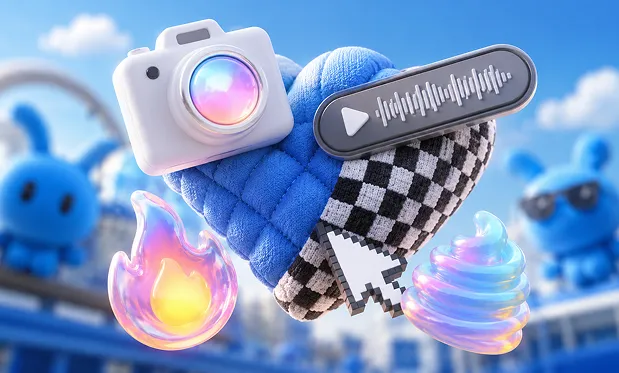
Generate interface concepts, website visuals, app mockups, icon scenes, dashboard graphics, and early design directions that help teams communicate ideas faster.
E-commerce Product Display
Produce product renderings, packaging visuals, multilingual product labels, lifestyle images, comparison graphics, and detail-page assets for online stores.
Manual
How to Use GPT Image 2 AI Image Generator
Follow these three steps to create professional images with GPT Image 2 AI Image Generator.
Step 1
Open the AI image generation tool and select GPT Image 2 AI Image Generator as your current engine.
Step 2
Input your prompt or upload reference images. Clearly describe the subject, style, layout, text content, lighting, background, size, and editing instructions.
Step 3
After image generation, review the result, refine your prompt or edit instructions as needed, and export the final image at the required quality.
FAQ
FAQs of GPT Image 2 AI Image Generator
More social sharings of GPT Image 2 AI creation
Discover more social sharings of GPT Image 2 AI creation.

Iphone x Samsung promotional poster with GPT image 2.0 on @Picsart Generate yours with prompt : ⤵️


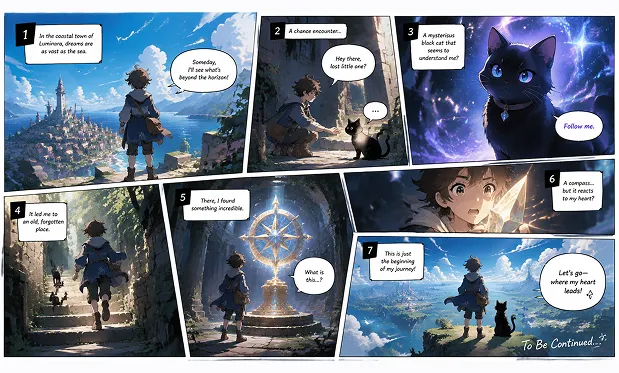
Decided to test myself out in the storyboard workflow. Reference → Chat GPT Image 2 → Seedance 2.0

🔥 GPT-Image-2 × Happy Horse 1.0 🚀Turn a single image into a ready-made video instantly 🎬From concept frame to final clip, all in one workflow 👉 Try it now: GPT Image 2: flaq.ai/models/openai/… Happy Horse 1.0 Text-to-Video: flaq.ai/models/alibaba… #happyhorse #gptimage2