If you have spent any time around AI creative tools lately, you have probably noticed that many platforms are no longer trying to do just one thing. Instead of being only an image generator or only a video app, they now want to become a full creative workspace. That is exactly the lane Imagine Art is aiming for.
In this review, I want to look at the platform from a real user’s perspective rather than from a hype-first angle. The question is not whether the branding looks polished. The question is whether the product is actually useful when you sit down to make something.
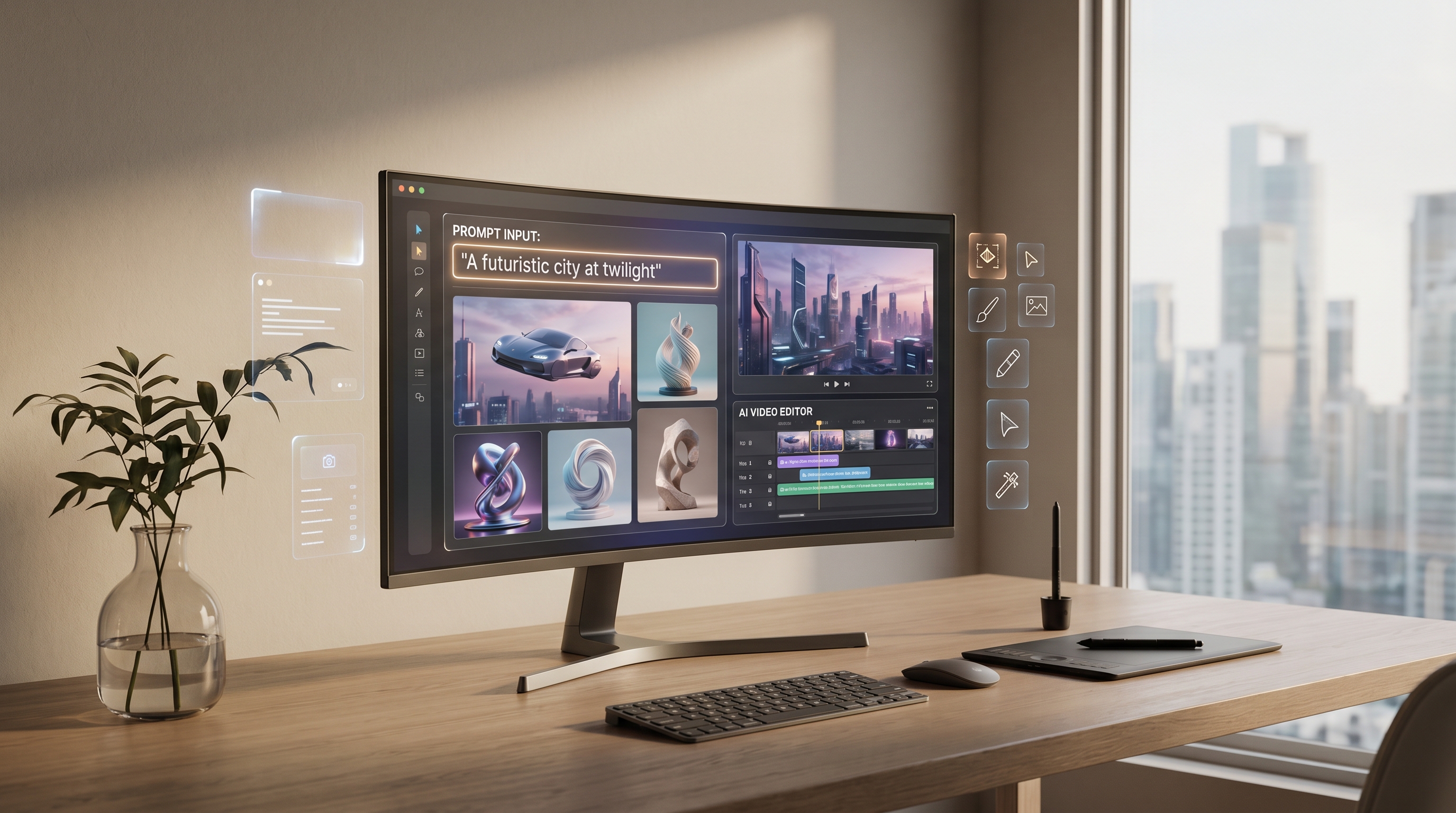
At a glance, ImagineArt positions itself as a broad creator suite. You can use the ImagineArt AI image generator for still visuals, the ImagineArt AI video generator for motion work, and a growing set of apps and workflows for editing, upscaling, and creative automation. That wide scope is both its biggest strength and one of the main things people should think carefully about before paying.
What ImagineArt does well right away
The first thing ImagineArt gets right is accessibility. The platform is built to feel welcoming to people who are not professional designers, editors, or prompt engineers. You do not need to come in with a complicated workflow already mapped out. You can start with a simple prompt, try a few styles, upload a reference, and move from idea to result relatively fast.
That matters more than it sounds. A lot of AI platforms look impressive in demos but feel clumsy once you try to use them consistently. ImagineArt seems designed to reduce that friction. The interface is broad, but the main creation paths are clear enough that beginners can explore without feeling completely lost.
This is especially noticeable on the image side. The ImagineArt text-to-image tool is not just about typing a sentence and hoping for the best. It also includes features built around reference images, prompt enhancement, real-time iteration, and style consistency. Those are practical tools, not just shiny extras. They help people move from rough ideas to usable assets faster.
Image generation: more useful than flashy
If your main interest is still-image creation, ImagineArt feels strongest when treated as a flexible production tool rather than a pure art playground.
The platform supports a reference-based workflow, which is valuable for creators who want more control over pose, palette, composition, or overall visual direction. That makes it easier to guide the output instead of relying entirely on luck. For bloggers, ecommerce teams, social media creators, and ad designers, that matters a lot.
Prompt support is another genuine advantage. The built-in enhancer lowers the barrier for users who know what they want visually but do not know how to phrase it in a model-friendly way. That may sound like a beginner feature, but it is useful even for experienced users when they want a faster first draft.
A more important strength is consistency. ImagineArt talks a lot about keeping characters, products, and brand styles visually aligned across generations. In practice, this matters much more than simply having dozens of models to choose from. For real creative work, consistency is often the difference between a fun experiment and a usable workflow.
The platform also leans into custom AI model training in ImagineArt, which could be especially valuable for people producing repeat content around the same character, product line, or visual identity. That will not be necessary for every casual user, but for repeat campaigns or brand systems, it makes the platform more serious.
That said, this is where a balanced review should pause. Breadth is not the same thing as depth. ImagineArt offers a lot of image features, but users who need highly specialized control may still prefer a more focused tool in certain cases. The platform feels strongest when you value speed, convenience, and integrated workflow more than ultra-granular control.
Video creation: broad appeal, with the usual tradeoffs
The ImagineArt AI video maker is one of the main reasons the platform stands out from simpler image-only competitors. It supports text-to-video and image-to-video workflows, along with features like motion transfer, clip extension, and character consistency.
That makes it relevant for more than cinematic experiments. It can fit short ads, product promos, animated concept clips, visual storytelling, and fast social content. If you already have a still image and want to turn it into something more dynamic, the ImagineArt photo-to-video workflow is one of the most practical parts of the suite.
For content creators, the appeal is obvious: fewer tools to juggle, fewer exports, and a shorter path from concept to shareable video. Instead of generating an image on one platform and animating it somewhere else, you can stay inside one ecosystem.
Still, AI video is where expectations need to stay realistic. Even when the platform promises smooth motion, cinematic control, or subject consistency, the real test is whether the output holds up across repeated attempts. That is true for every modern AI video tool, not just this one. So the best way to judge ImagineArt’s video side is not by a single showcase clip, but by asking whether it stays stable enough for ongoing creative work.
My take is that it looks most useful for lightweight production tasks rather than fully replacing a traditional editing pipeline. That is not a criticism. For many users, a tool that makes decent short-form video quickly is more valuable than a tool that promises studio-grade perfection and delivers inconsistency.
Workflows, apps, and the all-in-one promise
One of the more interesting parts of the platform is its focus on linked workflows and one-click apps. ImagineArt is clearly trying to become more than a generator. It wants to be a creative operating system where people move between prompting, editing, animating, enhancing, and packaging content.
This is where the platform becomes easier to recommend to general creators than to pure specialists. If you are a solo creator, marketer, startup team, or social media operator, an integrated suite can save time even if each individual feature is not the absolute leader in its category.
That is also why this review should not treat ImagineArt like it is competing only with one image model or one video model. It is really competing on workflow convenience. The more you care about staying inside one dashboard, the more appealing it becomes.
Pricing and value: a good test drive, but watch the limits
ImagineArt is easier to try than some closed or high-cost competitors because it offers a free entry point. That is good news for curious users who want to test both image and video tools without committing immediately.
The bigger question is value at scale. A free plan is useful for exploration, but the real cost shows up once you start generating repeatedly, testing multiple models, or using more advanced features. Like many AI creation platforms, the value changes depending on whether you are a casual user doing occasional experiments or someone running a real content pipeline every week.
That means the platform is probably easiest to recommend to people who fall into one of two groups: beginners who want an easy place to experiment, and creators who genuinely benefit from having images, video, editing, and workflow tools in one subscription. If you only need one narrow function, a specialist alternative may still be the better value.
Final verdict
Overall, ImagineArt looks strongest as a practical creator suite rather than a magic bullet. It gives users a wide set of image and video tools, makes the first steps relatively easy, and offers helpful workflow features like references, prompt improvement, consistency controls, and content-building paths inside one platform.
Its biggest strength is convenience. Its biggest weakness is the same thing that affects most all-in-one products: once a tool tries to do everything, some users will still find that one part of the suite matters more than the rest.
So is it worth trying? Yes, especially if you want one place to handle visual ideation, image generation, and short-form video experiments. But the smartest way to approach it is with realistic expectations. Treat it as a flexible creative workspace, not as a flawless replacement for every specialist tool.
If that is what you want, ImagineArt is a strong platform to test.
Recommended tools on SeaImagine AI
If you like the idea of a multi-tool creative platform but want more options for fast video experimentation, SeaImagine AI is worth exploring.
- Use SeaImagine AI if you want a broader hub for AI image and video creation.
- Try SeaImagine Text to Video for prompt-based clip generation.
- Use SeaImagine Image to Video to animate still images into short motion clips.
- Try the SeaImagine AI Hug Video Generator for social-friendly character and photo animation.
Related Article
- How to Use Sea Imagine AI’s Image Generator: A Beginner-Friendly Tutorial
- SeaImagine AI Text-to-Video Guide: How to Choose Models and Create Better Clips
- The 2026 Image-to-Video Guide for Sea Imagine AI: Best Models & Prompts
- The Seedream 5.0 AI Image-to-Image Analysis Guide 2026
- How to Turn Ordinary Photos into Cartoon and Anime-Style Art with SeaImagine AI
People Also Read
- HeyDream AI Image Generator Guide & Model Comparison
- Seedream 5.0 Image Generation Guide on HeyDream AI
- How to Use DreamMachine AI’s AI Video Generator: A Practical Guide for Text and Image Workflows
- Seedance 2.0 Video Generation Guide: How to Create Better AI Videos
- VideoWeb AI Image Generator 2026: The Creator Switchboard for Fast-to-Final Images
- VideoWeb AI Video Generator 2026: One Hub, Every AI Video Workflow