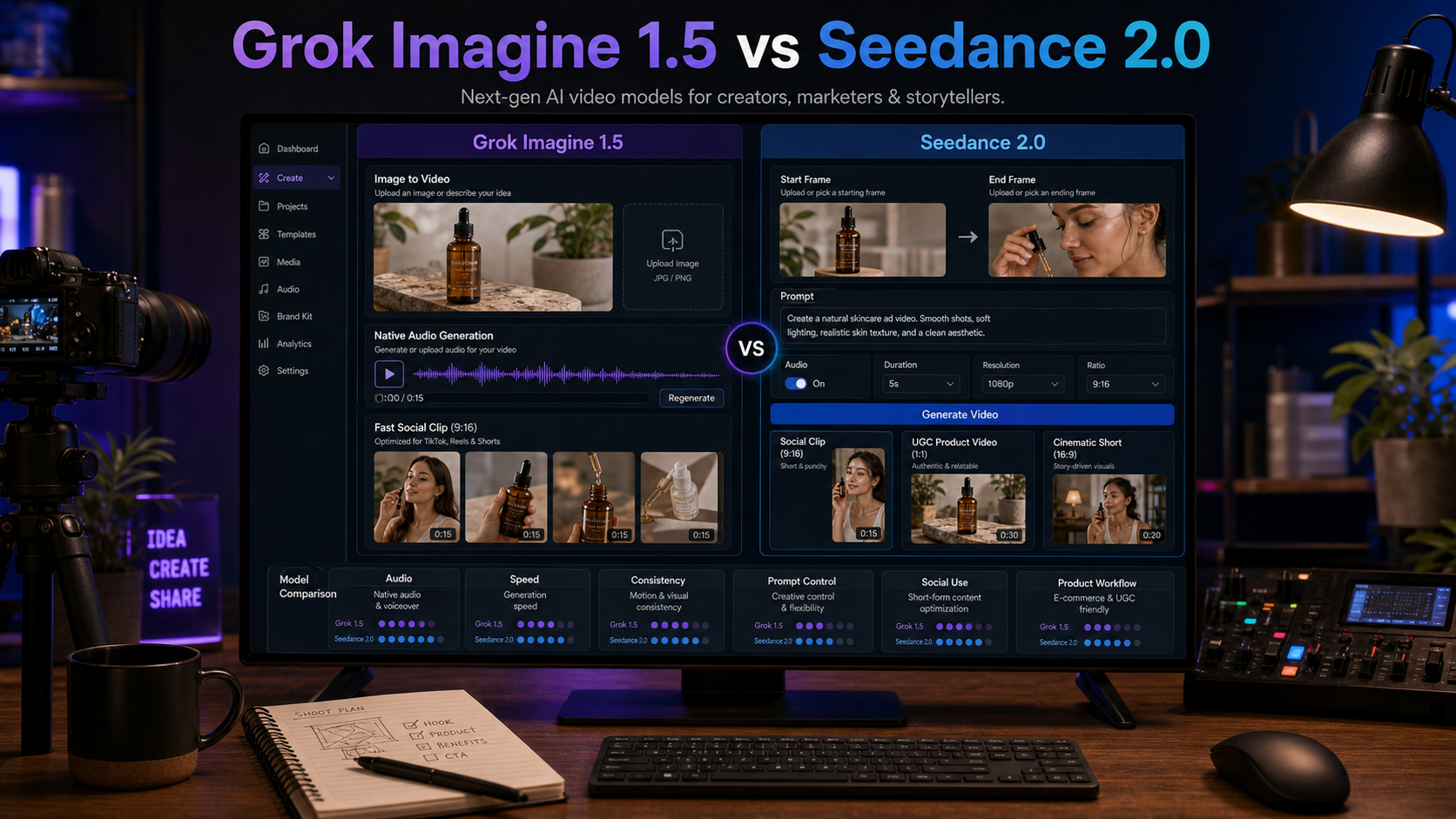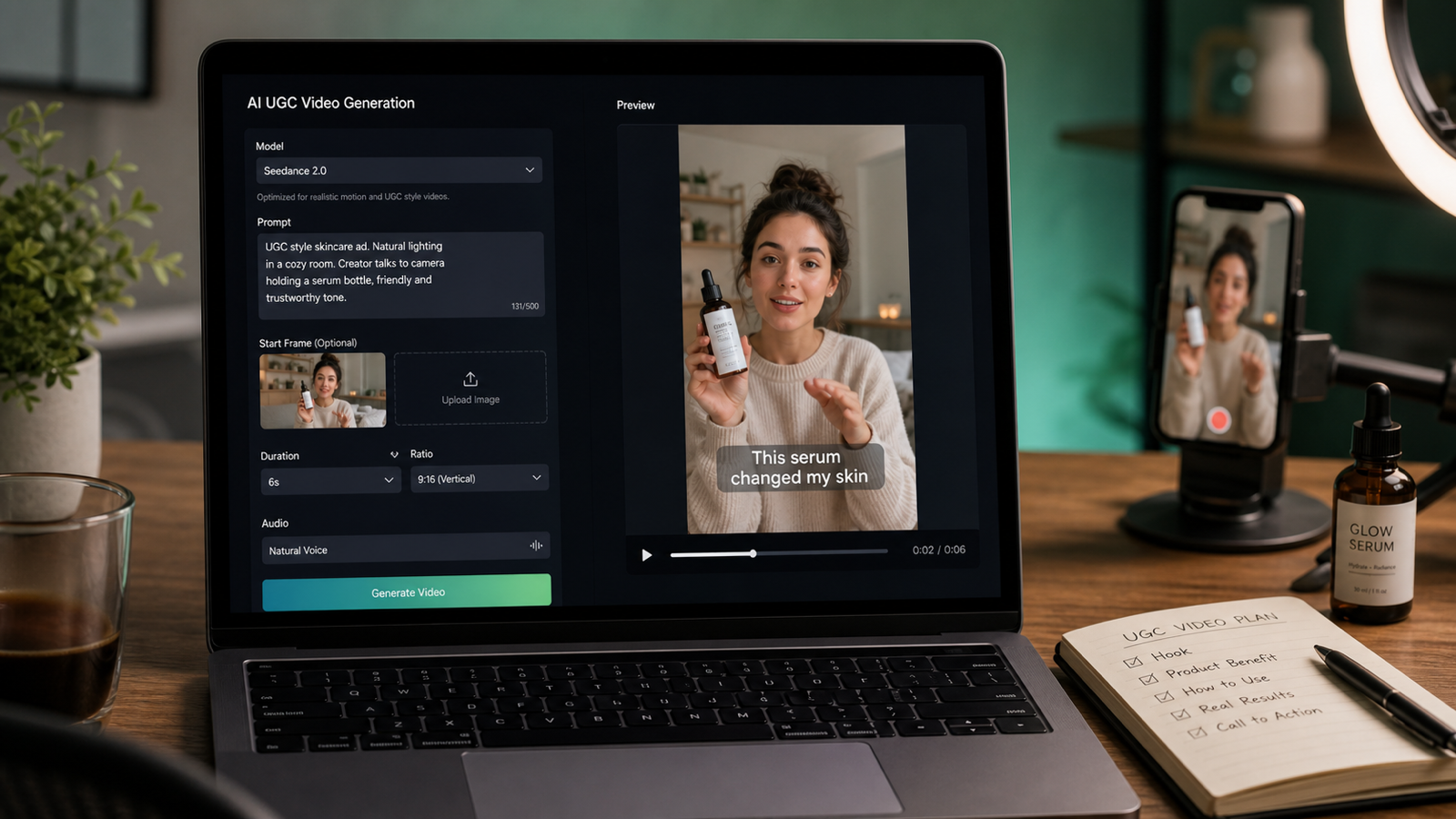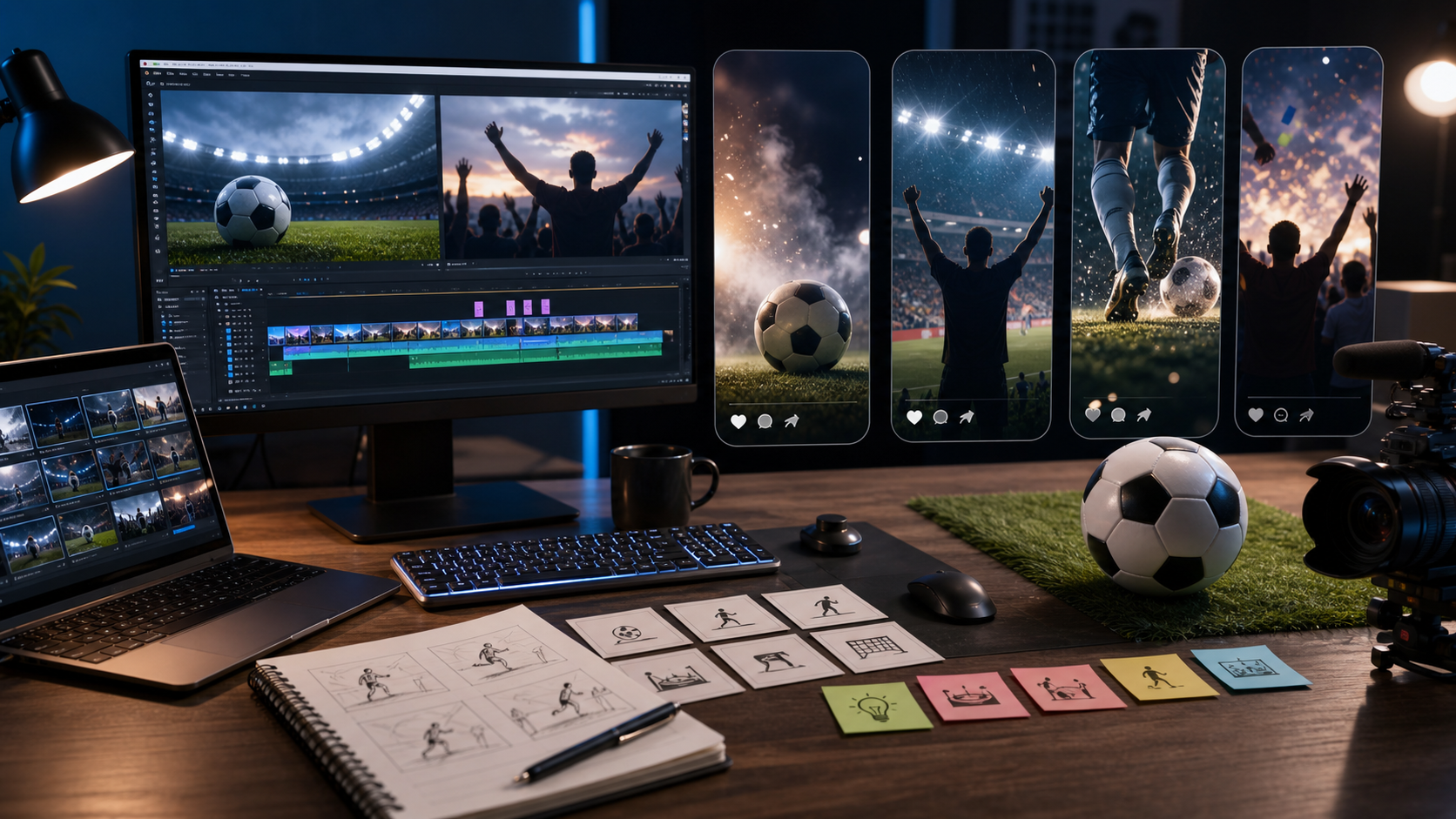
A World Cup poster generator is useful when you want fast football-themed visual concepts for social posts, watch parties, campaign drafts, blogs, or design mood boards. This tutorial shows how to create World Cup-inspired posters with Sea Imagine AI while keeping FIFA branding, real teams, player likenesses, commercial use, live tournament details, credits, watermark rules, and export quality verification-based.

Why Use an AI World Cup Poster Maker for Football Visuals
AI poster tools are strongest when you need to explore visual direction before committing to a finished design. A creator can test a cinematic stadium poster, a watch-party event poster, a retro host-city concept, or a social match graphic in minutes, then refine the best option into a more polished layout.
For creators and marketers, the practical value is iteration. A football poster generator can help compare dramatic lighting, fan scenes, blank headline space, color palettes, and social crops before the design goes to a human editor. That is especially useful for campaign drafts, blog visuals, YouTube thumbnails, Pinterest pins, and local viewing-party creative.
Keep the theme generic unless you have rights. Phrases such as "football-themed poster," "tournament-inspired poster," or "match-night viewing poster" are safer than visual claims that imply official World Cup sponsorship. If you plan to use official names, marks, real team badges, player likenesses, or live match details, verify permissions and current information before publishing.

How to Make a World Cup Poster with AI on Sea Imagine
Start with the poster's job, then write the prompt. A poster for a watch party needs readable event space, while a blog cover needs a strong focal image and room for a headline. A campaign draft may need product placement, a CTA zone, and room for later brand typography.
Use this workflow with Sea Imagine AI:
- Choose the format: blog cover, square social post, 4:5 feed poster, 9:16 story poster, event flyer, or campaign concept.
- Pick the main visual: stadium, football, cheering fans, generic trophy silhouette, product scene, city skyline, or fictional player silhouette.
- Write the prompt in Text to Image with style, lighting, composition, palette, and blank text zones.
- Generate several poster directions with Sea Imagine AI Image Generator.
- Select the strongest draft and refine it through Image to Image if the layout, background, or mood needs editing.
- Add final typography in a design tool if exact text rendering matters.
- Review rights, claims, model availability, credits, watermark rules, and export quality before posting.
In practice, the best AI football poster creator workflow separates image generation from final typography. Ask the model for clean headline space and visual hierarchy, then add exact event text, dates, venue details, and sponsor language in an editor where you can proof every character.

AI Football Poster Prompts for Text to Image
Prompt structure matters because poster design depends on composition as much as subject. A strong prompt tells Sea Imagine what the poster is for, what the focal element should be, where the text area belongs, and what must be avoided.
Reusable prompt formula:
Create a [poster type] World Cup-themed football poster for [use case]. Show [main subject / scene / product / fan moment] in [setting]. Use [style], [lighting], [composition], and [color palette]. Include space for [headline / event text / CTA / date]. Keep the poster visually strong, readable, and social-ready. Avoid official FIFA logos, real team badges, player likenesses, broadcast screenshots, and unreadable tiny text unless rights are confirmed.
Prompt examples:
- Create a cinematic World Cup-themed football poster showing a generic stadium at night, bright floodlights, a football in the foreground, dramatic smoke, bold editorial composition, and clean space for a headline.
- Create a watch-party event poster for a final night. Show cheering fans, snacks, a large screen glow, red and gold lighting, modern social-poster layout, and blank space for date and venue text.
- Create a minimalist football poster with a generic trophy silhouette, stadium lights, deep blue background, elegant typography space, and a premium editorial feel, with no official FIFA branding.
- Create a retro travel-style host-city football poster featuring a stadium, skyline, warm sunset palette, vintage poster texture, and stylish headline space.
- Create a social media football match poster showing two fictional teams represented only by color themes, dynamic diagonal composition, stadium atmosphere, and bold text space for match time and event title.
- Use this fan photo as the base. Turn it into a polished World Cup-themed poster with stronger lighting, crowd atmosphere, confetti, dramatic contrast, and a clean event-promo layout.
- Use this product image as the base. Create a football-themed promotional poster with stadium lights, grass texture, energetic atmosphere, and clean space for a campaign headline and CTA.
- Create a football celebration poster showing a fictional player silhouette mid-kick, motion blur, glowing stadium atmosphere, cinematic lighting, and social-ready poster composition.
- Create a football meme-style poster with cheering fans, exaggerated reaction energy, bright colors, and headline space for a funny social caption, while keeping it polished and readable.
- Create a clean editorial poster for a World Cup viewing guide with a generic football scene, organized visual hierarchy, soft shadows, and space for section labels added later.
For AI poster design with readable text, treat the model output as the visual base. If the image contains distorted letters or tiny pseudo-text, regenerate with "blank headline space" or remove the text in an editor before final publication.

Use Image to Image as a Poster Editor
Image to image is best when you already have a sketch, reference photo, product image, or rough poster layout. Instead of starting from a blank prompt, upload the base visual and tell Sea Imagine what to preserve and what to change.
Use this image-to-image formula:
Use this uploaded image as the base. Preserve [subject / composition / product / person / object / layout] while changing [background / style / mood / lighting / text zone / poster format]. Create a polished World Cup-themed poster look with clean typography space, strong focal point, and clear visual hierarchy. Avoid official logos, real player likenesses, and cluttered layouts.
This workflow is useful for three common cases. First, you can turn a rough sketch into a football poster by preserving the layout and replacing the background with stadium lighting. Second, you can restyle a watch-party photo into a more cinematic event poster. Third, you can use a product image as the base for a campaign poster with grass texture, floodlights, and a clean CTA zone.
For poster layout editing with AI, be explicit about what should not change. If the product shape, person pose, or composition matters, say so directly. Then review the output for identity changes, distorted objects, accidental logos, and text artifacts.

Seedream 5.0, GPT Image 2, and Grok Imagine Poster Workflows
Choose the model path by the poster problem you are trying to solve. Sea Imagine AI is the main browser-based workflow for this guide, with Seedream 5.0 AI Image Generator and GPT Image 2 AI Image Generator as model options inside the Sea Imagine ecosystem. For creators who want another prompt-driven option or edit path, Grok Imagine via Flaq AI and Grok Imagine Edit are worth comparing.
| Workflow | Best fit | Practical note |
|---|---|---|
| Sea Imagine AI Image Generator | General poster ideation | Good starting point for football poster generator concepts and social layouts. |
| Text to Image | New poster concepts from prompts | Use when you have a clear scene, style, and layout in mind. |
| Image to Image | Editing or restyling an existing visual | Use when you want to preserve a base image or composition. |
| Seedream 5.0 | Stylish image-model exploration | Useful for Seedream 5.0 poster prompts and campaign-style variations. |
| GPT Image 2 | Structured visual prompts and text-aware drafts | Useful when AI poster design with readable text is part of the workflow, but still proof final text manually. |
| Grok Imagine on Flaq AI | Additional poster-generation comparison | Use for alternate Grok Imagine poster variations. |
| Flaq AI Image to Image | Reference-based poster editing | Use when comparing edit workflows outside Sea Imagine. |
Do not treat model names as a guarantee of access, price, export quality, watermark behavior, or commercial permission. Check the current model page, account credits, terms, and output settings immediately before client work or paid publishing.
For more Sea Imagine workflow context, see How to Use Sea Imagine AI's Image Generator, ChatGPT Image 2 Release: Features, Prompts, and API Guide, and ChatGPT Image 2 vs Seedream 5. Creators comparing broader image workflows can also read the Flaq AI guides to GPT Image 2 API and prompts and Image to Image creation, plus related prompt and model comparisons from Chat4o, HeyDream, and Seevido.

Review Checks Before Publishing Football Poster Designs
The final review should happen before the poster leaves your draft folder. Football posters can accidentally imply official association if they include protected marks, real team badges, real player likenesses, tournament wording, or broadcast-style graphics.
Use this checklist:
- Branding: check FIFA Brand Protection and the FIFA World Cup 26 IP Guidelines before using official tournament names, marks, emblems, or trophy-like imagery in commercial creative.
- Live details: verify fixtures, scores, and standings only from official pages such as the FIFA World Cup 2026 match schedule, scores and fixtures, and standings.
- Rights: avoid real team logos, badges, federation symbols, sponsor marks, player likenesses, celebrity faces, and broadcast screenshots unless you have permission.
- Text: proof every headline, event date, venue, CTA, and disclaimer manually.
- Commercial use: confirm platform terms, model availability, credits, watermark rules, and export rights before using the poster for ads or client campaigns.
- Quality: export at the right aspect ratio, check crop safety for each platform, and inspect for distorted hands, balls, faces, flags, badges, and pseudo-text.
The safest publishing lane is "football-inspired poster" rather than "official tournament poster." You can still use stadium lights, fan energy, a football focal point, and clean poster composition without implying endorsement.

FAQ About World Cup Poster Design AI
What is the best Sea Imagine AI workflow for a beginner?
Start with Text to Image and a simple poster prompt. Ask for a clear focal element, dramatic lighting, and blank headline space. Once you find a direction, use image to image for restyling or layout refinement.
Can I use official World Cup logos in an AI poster?
Only use official logos, tournament marks, team badges, player likenesses, or trophy-like imagery if you have confirmed the required rights. For general social posts and campaign drafts, generic football visuals are safer.
Is GPT Image 2 better for poster text?
GPT Image 2 can be useful for text-aware poster workflows, but you should still proof or add final typography manually. Exact event text, dates, and CTAs need human review.
When should I use Grok Imagine via Flaq AI?
Use Grok Imagine via Flaq AI when you want an additional prompt-driven image generator to compare visual directions. Use Grok Imagine Edit or Flaq AI Image to Image when you want another reference-based editing path.
What aspect ratio should I use for football posters?
Use 16:9 for blog covers and wide article visuals, 4:5 for feed posters, 1:1 for square social graphics, and 9:16 for stories or vertical event promos. Always preview the crop before publishing.

Conclusion: Build a Safer World Cup Poster Generator Workflow
A World Cup poster generator can help you move from idea to polished football poster concept faster, especially when you plan the use case, prompt for clean layout space, and review rights before publishing. Use Sea Imagine AI as the main workflow for text-to-image, image-to-image, Seedream 5.0, and GPT Image 2 poster experiments, then compare Grok Imagine via Flaq AI when you want another prompt or edit path.
For your next draft, create three versions: one cinematic stadium poster, one watch-party event poster, and one minimalist football poster with blank headline space. Then edit the best one for crop, typography, rights, and export quality before sharing it publicly.